









Building Xano Backends with Claude Code and the Xano Developer MCP

Vasim Gujrati
Solutions Architect, AI & Platforms, Unico Connect
In this article
Xano shipped two tools that change how AI coding agents build backends. The Xano Developer MCP gives an agent structured knowledge of XanoScript and validates what it writes, and the Xano CLI brings your actual workspace into the terminal, where agents like Claude Code already work. Together they make it practical for an AI agent to write backend logic that fits your real schema and conventions. We build on Xano as an Enterprise tier partner and run a Claude Code practice, so this workflow is not a prediction for us. It is how we build backends, and what follows covers both tools, the context engineering idea behind them, and the process we run day to day.
Quick Answer
The Xano Developer MCP is a Model Context Protocol server that supplies AI coding agents with XanoScript documentation, workflow guides, and API references, and validates generated XanoScript as you work. The Xano CLI connects to your workspace from the terminal, pulls your database schemas, API endpoints, and existing business logic down as local XanoScript files, and slots into CI pipelines. Pair them with Claude Code and you get an agent that writes logic against your real backend instead of hallucinating one, while the visual function stacks in Xano serve as the review surface. Xano lists Claude Code as compatible by name. In our experience the pairing works because strong agent reasoning combined with structured workspace context is exactly what backend generation was missing.
Key Takeaways
- Context engineering means giving the agent your real backend (the schemas, endpoints, logic, and platform patterns) as context, so its output lines up with what exists in your workspace.
- The CLI pulls that context into local files, and the MCP adds the platform docs and validates what the agent writes, so you catch invalid XanoScript during generation, before deployment.
- Run local development and CI through the CLI so that backend changes written by the agent ride the same pipeline as the rest of your code.
- Visual inspection is the safety mechanism, because generated logic renders as Xano function stacks a reviewer can read, a faster and safer review surface than raw generated code.
- Keep data modeling, access control decisions, and scale planning with your engineers. Those calls still decide whether the backend survives production, and the agent does not make them for you.
What the Xano Developer MCP Actually Does
The Model Context Protocol is the open standard that lets AI agents talk to external systems through structured tool interfaces. The Xano Developer MCP implements it for the Xano platform. Once connected to an agent, it serves XanoScript documentation, the syntax and patterns the platform expects, and references for the Meta API, Run API, and CLI. It runs locally and does not connect to your Xano instance. The shape of your workspace, namely the tables and their relationships, the API endpoints, and the existing function stacks, reaches the agent through the Xano CLI, which pulls it down as XanoScript files.
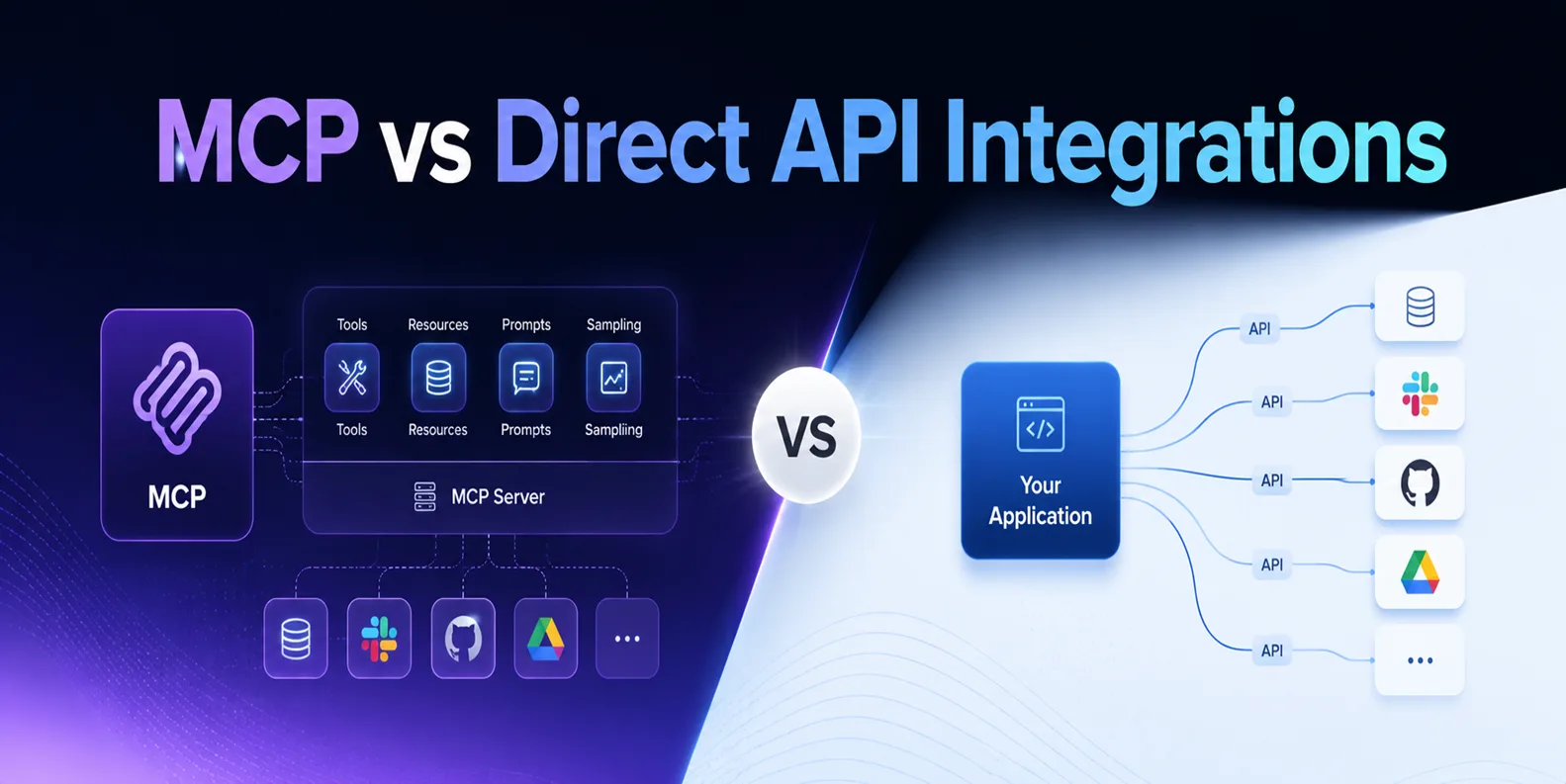
Missing context is the main reason AI generated backend code fails. An agent without that context writes code that is syntactically fine and architecturally wrong. It references tables that do not exist, duplicates endpoints, or ignores the conventions the rest of the backend follows. With workspace context, generation starts from ground truth. The MCP also validates XanoScript in real time as the agent writes it, so malformed logic gets caught inside the generation loop before it reaches testing. If you are weighing this pattern against hand built connections, our comparison of MCP vs direct API integrations covers when a protocol beats a custom wire.
What the Xano CLI Adds
The CLI brings Xano development to the terminal. Backend definitions sync down to your local environment and changes push back up to the workspace. Because the whole flow is scriptable, it slots into CI pipelines like any other codebase. That helps agent driven work in two ways. Claude Code lives in the terminal, so the CLI puts backend changes in its native working environment, and pipeline integration means changes the agent writes get the same automated checks as human written ones before they reach production.
What Context Engineering Means in Practice
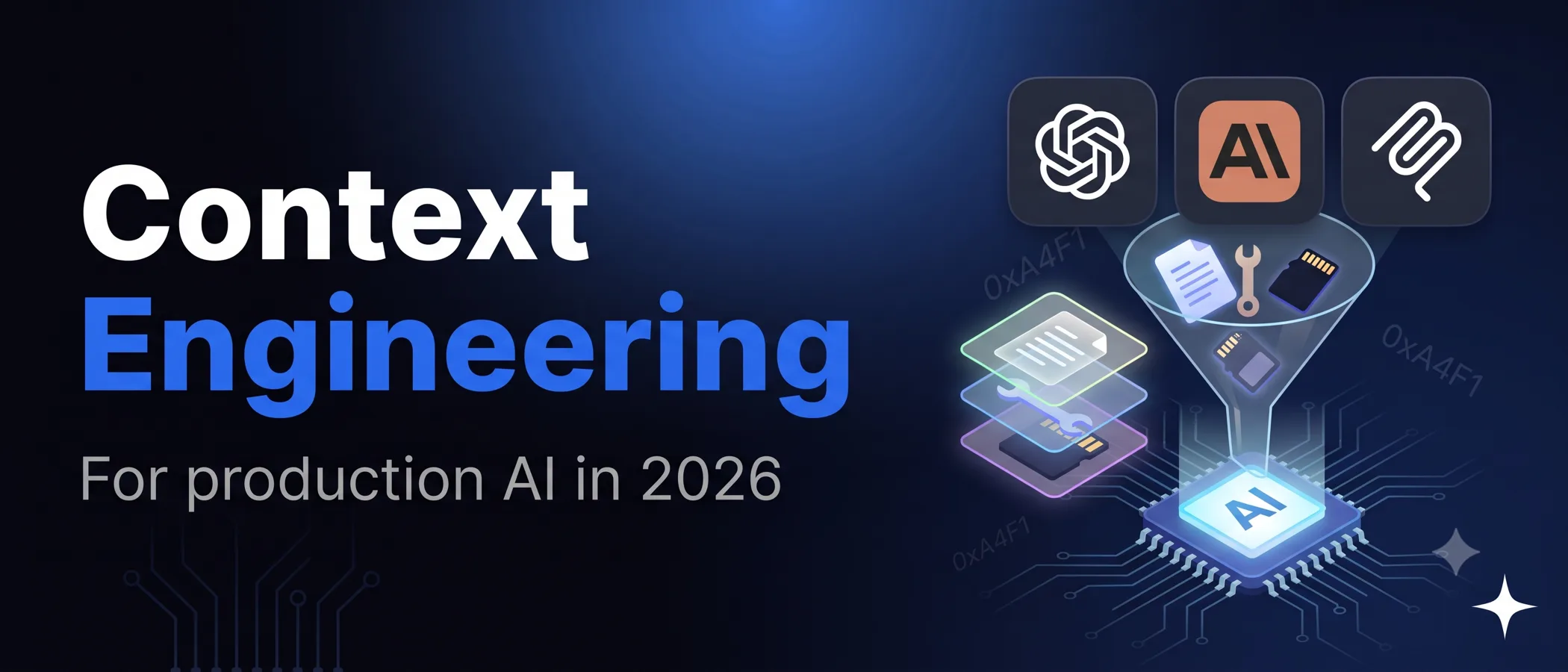
Context engineering is the discipline of giving an AI agent complete, structured knowledge of the system it works on, so generated output fits the real architecture instead of a statistically plausible one. A prompt describes the task. Context engineering supplies the ground truth the output must satisfy, namely the schemas, the endpoint contracts, the conventions, and the platform rules. The Xano Developer MCP packages context engineering as a product for one platform, but the pattern carries over to other platforms. The richer and more structured the context an agent receives, the smaller the gap between what it generates and what is correct.
Why Claude Code Is the Right Pair
Xano names compatibility with Claude Code, Cursor, and Windsurf, and notes that strong reasoning pairs naturally with the structured context the MCP provides, which matches what we see. Backend work is multi step by nature. A single change touches a schema, the endpoints over it, the validation in front of it, and the background tasks behind it, and an agent that reasons across all of those steps keeps the whole change coherent and avoids a string of local patches. Our engineering leads estimate that roughly 80 percent of our production code is AI generated. Engineers are expected to understand the code AI produces, and a tech lead or senior developer reviews it before it ships. That review discipline is what keeps AI generated backend work safe. Xano makes that review cheaper. Generated logic shows up as visual function stacks, so a senior engineer reviews a readable workflow instead of a diff of generated code.
How We Run the Workflow
- Model the data first. An engineer designs the schema and relationships before any generation starts, because the agent extends a sound model faster than it invents one.
- Connect the MCP and set the conventions. The agent reads the workspace files the CLI pulled down, and we point it at the patterns it should follow, including naming, auth, and error handling.
- Generate in scoped tasks. We hand the agent one endpoint group or function stack at a time, and the MCP validates the XanoScript as it lands.
- Review visually, test automatically. A senior engineer reviews the function stacks in the Xano canvas, and the CLI runs the changes through the same pipeline checks as any other release.
- Ship through staging. Changes go to a staging workspace first and then to production, while Xano handles infrastructure, backups, and scaling underneath.
What This Changes for Teams Building on Xano
Boilerplate stops setting the pace of backend delivery. Endpoint scaffolding, CRUD logic, validation layers, and integration glue generate in minutes and get reviewed in minutes, which frees engineers to spend their attention where it pays off most, on data modeling, access control, and the scale decisions that decide whether the product survives its own growth. If your team already uses Claude Code on frontend or product code, the MCP extends the same working model to the backend. And if you build on Xano and have wondered whether AI tooling is mature enough to matter, this is the release that made the answer yes.
Frequently Asked Questions
What is the Xano Developer MCP?
The Xano Developer MCP is a Model Context Protocol server that gives AI coding agents XanoScript documentation, workflow guides, and API references, and it validates generated XanoScript in real time. It runs locally and does not connect to your Xano instance. Workspace context such as database schemas, API endpoints, and existing business logic comes from the Xano CLI, which pulls them down as XanoScript files. Together these keep agent output aligned with your real backend.
What is context engineering?
Context engineering is the practice of giving an AI agent complete, structured knowledge of the system it is working on, so its output fits the real architecture. On Xano, the CLI pulls workspace schemas, endpoints, and logic into files the agent reads directly, and the MCP supplies the platform patterns, so nobody has to paste fragments into a prompt and hope the model infers the rest.
Does the Xano MCP work with Claude Code?
Yes. Xano names Claude Code as a compatible agent, alongside Cursor and Windsurf, and notes that strong agent reasoning pairs naturally with the structured context the MCP provides. Claude Code and the Xano CLI both run in the terminal, so they share one working environment.
Is AI generated backend logic safe for production?
With the right guardrails, yes. The combination that works is scoped generation tasks, real time validation through the MCP, senior review of the visual function stacks, and pipeline checks through the CLI before anything ships. AI built backends fail when generation runs without review, and the visual canvas makes review fast enough that nobody is tempted to skip it.
Who should use this workflow?
It suits teams building products on Xano that want delivery speed without giving up review discipline, and teams already using Claude Code that want their backend to move as fast as the rest of the codebase. If you want it done for you, an Enterprise tier Xano partner that runs this workflow daily is the shortcut.
Conclusion
The Xano Developer MCP and CLI turn AI assisted backend development from a demo trick into a working pipeline. Context goes in and validated XanoScript comes out, with visual review by an engineer in the middle and CI carrying each change to production. We run this workflow as an Enterprise tier Xano partner with a Claude Code practice, and it is the fastest honest path we know from backend requirement to production endpoint. If you want the same setup on your project, start with our Xano development services and Claude Code for teams, or hire Xano developers who already work this way.