









Top UI/UX Design Trends for 2026, The Future of User Experience

Anurag Kurmi
Senior Full Stack Engineer, Unico Connect
In this article
- Quick Answer
- Key Takeaways
- The 2026 Trends at a Glance
- AI as a Copilot, Not an Autopilot
- Adaptive and Personalized Interfaces
- Calm Interfaces and Cognitive Clarity
- Transparent AI Design
- Conversational Interaction Layers
- Zero UI and Multimodal Interaction
- Micro-Interactions, Now Table Stakes
- Aesthetics Settle Down, Glassmorphism Grows Up
- Dark Mode and Accessibility as Baseline
- Sustainable and Inclusive Design
- How to Implement These Trends in Your Projects
- Where These Numbers Come From
- Frequently Asked Questions
- Conclusion
Quick Answer
The defining UI/UX trends for 2026 are AI as a design copilot rather than an autopilot, agentic UX where the interface becomes a place to supervise AI agents that complete multi step tasks, adaptive interfaces that reshape themselves around user behavior, calm design that favors cognitive clarity over visual theatrics, transparent AI that shows users what the system is doing and why, conversational interaction layers, and Zero UI multimodal interaction across voice, touch, gesture, and spatial 3D environments. Dark mode, accessibility, and sustainable design have graduated from trends to baseline expectations. The strongest products do not chase every trend. The approach Unico Connect design teams apply in client work remains the same. Pick the trends that genuinely serve users and apply them with discipline.
Key Takeaways
- The 2026 shift is from AI as autopilot to AI as copilot. Present, optional, and respectful of human context
- Adaptive interfaces that learn and rearrange themselves are the biggest differentiator of the year
- Calm design wins. Cognitive clarity now beats sensory richness in product after product
- Transparent AI design, showing what the model is doing and how confident it is, has become a trust requirement
- Zero UI and multimodal input moved from demo material to mainstream products
- Dark mode, accessibility, and inclusive design are no longer trends. They are the baseline users expect
The 2026 Trends at a Glance
| Trend | What it means | Adopt it when |
|---|---|---|
| AI as copilot | AI assists visibly and optionally, never takes over | Any product adding AI features |
| Agentic UX | The interface becomes a place to brief and supervise AI agents | Products automating multi step workflows |
| Adaptive interfaces | Layout and content personalize to user behavior | You can measure friction to remove |
| Calm design | Cognitive clarity beats visual spectacle | Always, and especially in AI heavy products |
| Transparent AI | Sources, confidence cues, and editable output | Wherever AI touches user decisions |
| Conversational layer | Ask or click, both reach the same outcome | Products with deep or complex navigation |
| Zero UI, multimodal, spatial | Voice, gesture, and 3D spatial input as equal modes | Mobile, automotive, wearables, AR and VR |
| Dark mode and accessibility | Baseline expectations, not differentiators | Non negotiable from day one |
| Sustainable design | Lighter pages, purposeful motion | Always, it also improves performance |
AI as a Copilot, Not an Autopilot
The biggest change from last year is philosophical. Products that let AI take over the whole experience saw users push back, and 2026 designs treat AI as a thoughtful copilot instead. The assistant is present and useful, but optional, interruptible, and clearly labeled. Generative AI still accelerates the design process itself, producing layout options and iterations faster than any human team, but the winning products keep a human hand on the wheel and give users the same courtesy.
The market is now producing evidence for this position rather than just preference. Gartner predicts that by 2027, 40 percent of enterprises will demote or decommission autonomous AI agents because of governance gaps identified only after production incidents (Gartner press release, 26 May 2026). Read that as a design finding, not just an operations one. Agents that acted without a visible, interruptible human checkpoint are the ones being rolled back.
The adoption gap says the same thing from the other side. Gartner places agentic AI at the Peak of Inflated Expectations, with only 17 percent of organizations having deployed AI agents while more than 60 percent expect to within two years. Designing the copilot pattern well now is what determines which of those deployments survives contact with users.
In practice that means AI suggestions appear alongside content rather than replacing it, automated actions are previewed before they run, and there is always a visible way to do the task manually. Users reward products that assist without taking over.
The copilot is also turning agentic. Where an assistant suggests, an agent acts, completing multi step tasks on behalf of the user. Gartner projects that 40 percent of enterprise applications will feature task specific AI agents by 2026, up from under 5 percent in 2025, and that changes the design job. The interface becomes a place to brief an agent, watch it work, and approve, edit, or interrupt each step. Unico Connect builds these supervision patterns into its agentic AI work, where the rule holds. The agent does the work, and the human keeps the wheel.
Adaptive and Personalized Interfaces
Interfaces in 2026 are no longer the same for everyone. Layouts adapt to behavior and context, surfacing the right action at the right moment, resizing and reordering content based on what an individual user actually does. Industry analysts expect AI driven interface adaptation to become a major retention lever across digital sectors, and our own client work bears that out. We look at AI driven UI/UX and user engagement in more depth separately. Personalization that reduces steps keeps users, and personalization that merely decorates does not.
The discipline here is restraint. Responsible adaptation beats hyper personalization. An interface that quietly removes friction feels magical. An interface that visibly rearranges itself feels haunted.
The 2026 trend that actually moves retention is restraint. Every client win we have measured came from removing friction and noise, not from adding intelligence for its own sake. Adopt AI where it quietly deletes a step, and let the interface stay calm.
Malay Parekh, CEO, Unico Connect
Calm Interfaces and Cognitive Clarity
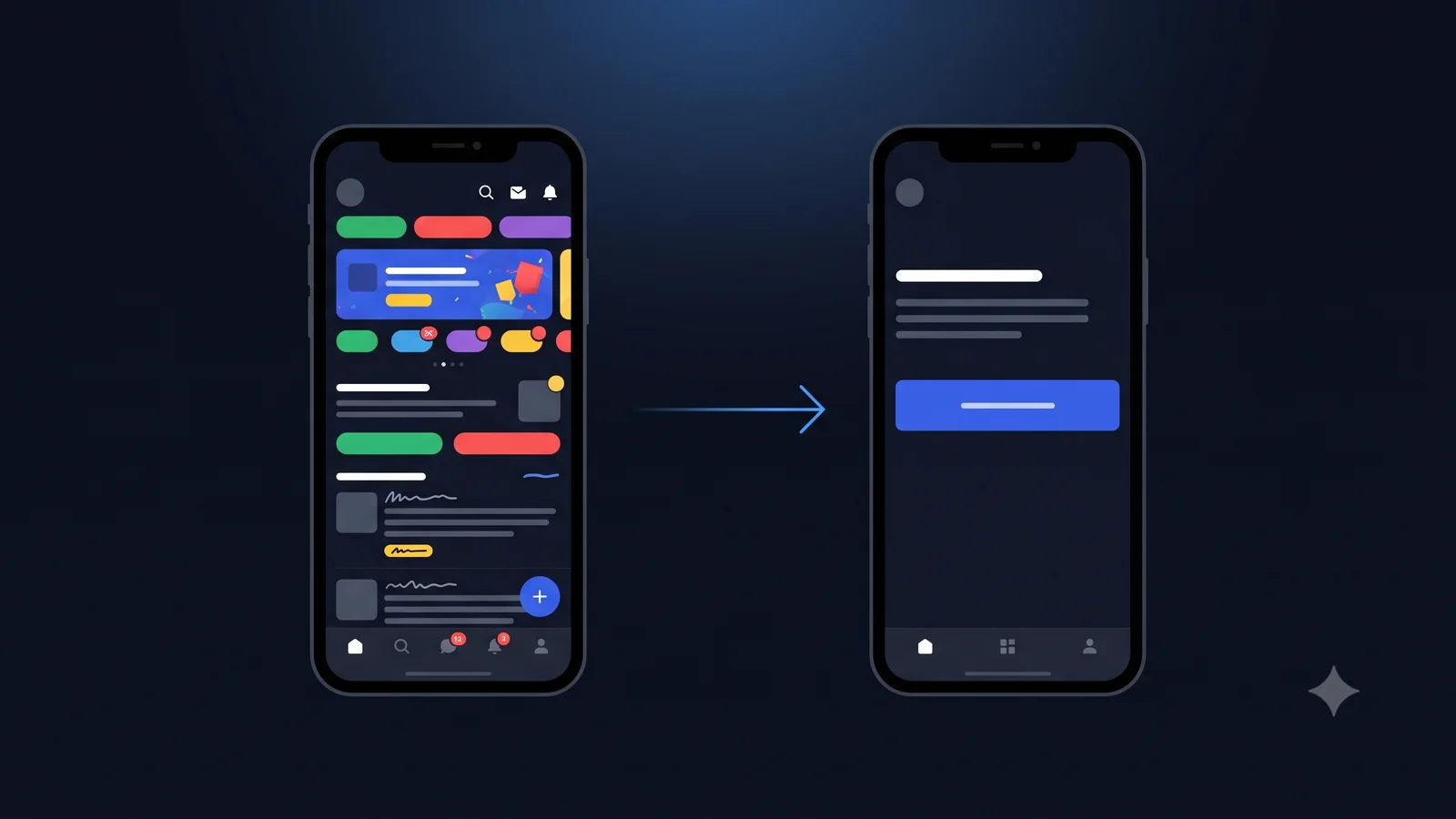
The loudest visual era of the web is ending. The 2026 trend reports converge on the same theme. Cognitive clarity over visual theatrics, fewer competing elements, clearer hierarchies, and interfaces that lower the mental load instead of showing off. This is partly a reaction to AI features multiplying inside products. When software can do more than ever, the design job becomes helping people find the one thing they need.
For teams, calm design translates into ruthless prioritization per screen, generous whitespace, purposeful motion instead of decorative animation, and typography that carries the hierarchy. Our own strongest proof of the principle is a consumer meditation app holding a 4.8 star rating at 500K+ downloads. One primary action per screen, and everything else recedes.
Transparent AI Design
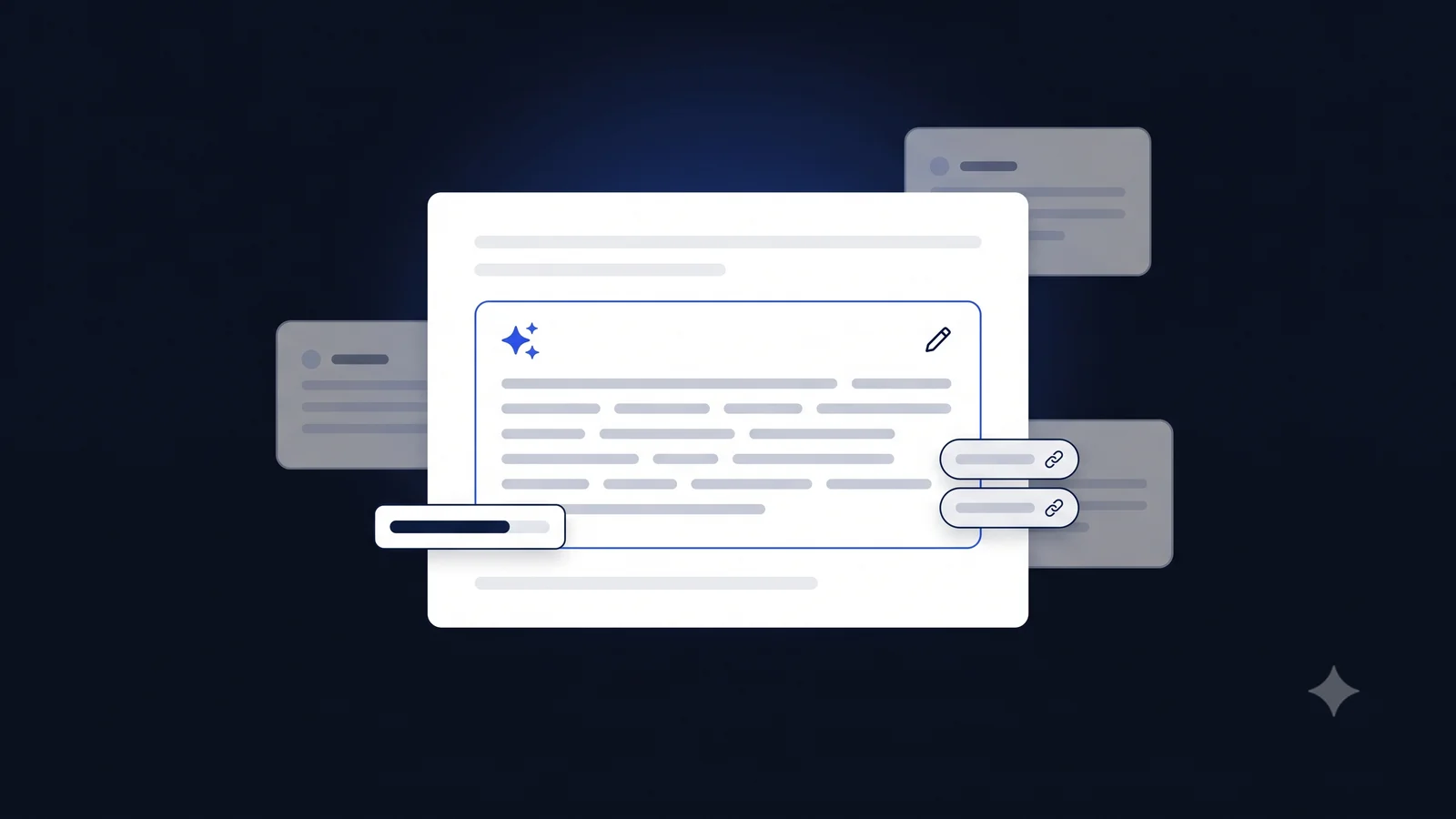
As AI features became standard, users started asking the obvious questions. What is this system doing with my input, why did it produce this answer, and how sure is it. Transparent AI design answers those questions inside the interface. Confidence indicators, visible sources, editable AI output, and clear labels separating machine suggestions from human content are now expected patterns in serious products.
There is a commercial argument for this too. In McKinsey's State of AI survey published on 25 August 2026, 80 percent of respondents reported that AI improved their individual productivity and 50 percent that it helped them make better decisions, while only 37 percent attributed any EBIT impact to AI (McKinsey, 2026). The gap between people feeling more productive and organizations booking a result is partly a trust and verification problem, and that is an interface problem before it is a model problem.
Designing for uncertainty is the new skill. The best AI product experiences of 2026 communicate model behavior honestly instead of pretending the system is infallible, and they earn measurably more trust for it.
Conversational Interaction Layers
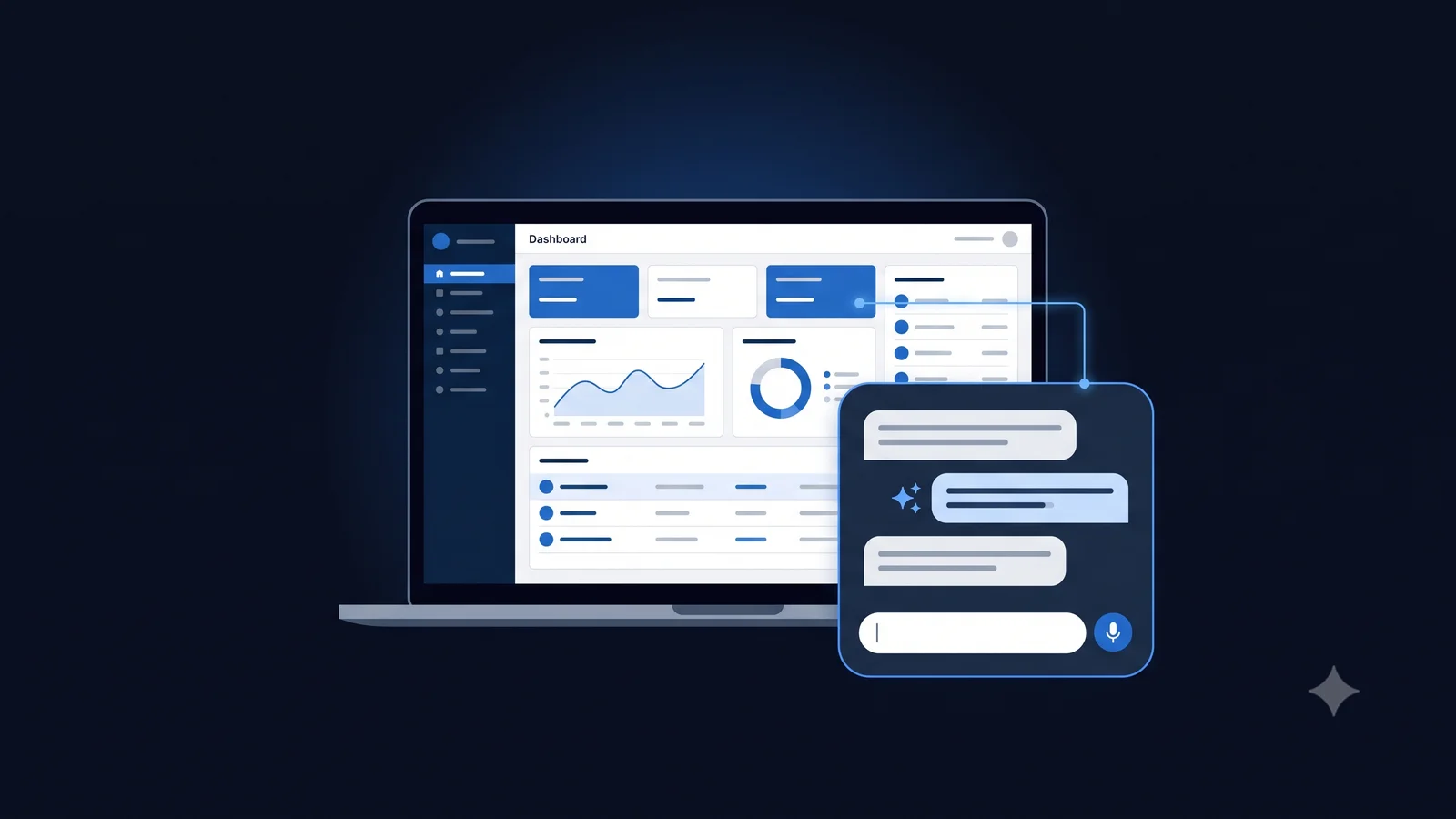
Chat did not replace the interface, but it earned a permanent place beside it. The 2026 pattern is a conversational layer over a conventional UI. Users can click through the normal flow or simply ask for what they want, and the product routes the request. This hybrid respects both the precision of direct manipulation and the speed of natural language.
The design challenge is handoff. A great conversational layer knows when to answer in words, when to open the right screen, and when to do both. Our consumer wellness AI platform pairs a text and voice conversational layer with a conventional interface, so users choose whichever mode fits the moment.
Zero UI and Multimodal Interaction
Zero UI, interaction without a visible interface, moved firmly into the mainstream. Voice, gesture, and anticipatory design now show up in mobile apps, vehicles, wearables, and smart environments, and users switch between voice, touch, and gesture in a single session without thinking about it. Designing for that fluidity, where every input mode reaches the same outcome, is the practical multimodal work of 2026.
Spatial computing extends this into three dimensions. As headsets and mixed reality move from demos toward practical use, interface elements begin to live in 3D space, reached through gaze, gesture, and voice. The frontier of 2026 multimodal design is one coherent experience that spans flat screens and spatial environments without asking users to relearn the product.
Micro-Interactions, Now Table Stakes
Micro-interactions have completed their journey from delight to expectation. The subtle feedback on a tap, the progress cue on a save, the state change that confirms an action. Their absence now reads as broken. The craft has shifted from adding them to tuning them, keeping motion fast, purposeful, and consistent with the calm design direction above.
Aesthetics Settle Down, Glassmorphism Grows Up
Glassmorphism and its relatives are still present in 2026, but as accents rather than identities. Translucent layers and soft depth now serve hierarchy, separating a panel from its background, instead of defining a whole visual language. Apple pushed the idea furthest with Liquid Glass, the system design language it announced on 9 June 2025, described as a translucent material that reflects and refracts its surroundings while dynamically transforming, and shipped across iOS 26, iPadOS 26, macOS Tahoe 26, watchOS 26 and tvOS 26 (Apple Newsroom). Even there the discipline holds. The maturing rule is that aesthetics serve comprehension first.
Dark Mode and Accessibility as Baseline
Dark mode is no longer a trend to adopt. It is a default users assume, along with high contrast options, keyboard navigation, screen reader support, and respect for reduced motion preferences. Accessibility work has also become AI assisted, with automated audits catching contrast and semantics issues earlier in the process. Products serving regulated sectors or public audiences treat WCAG conformance as a launch requirement, not a backlog item.
Our accessibility first work on an education platform serving 15,000+ adult learners taught us the compounding lesson. Designing for the hardest context first makes the product better for everyone.
Sustainable and Inclusive Design
Sustainability in design kept growing from an ethic into a practice. Lighter pages, fewer wasteful animations, and efficient media use reduce both carbon cost and load time, which makes sustainable design one of the rare trends that directly improves performance metrics. Inclusive design likewise moved deeper into process. Diverse test groups, inclusive imagery, and language choices are now standard parts of serious design reviews.
How to Implement These Trends in Your Projects
Start with an honest audit of where your product creates cognitive load, then apply the 2026 trends in order of user value. Adaptive behavior where friction is measurable, transparency wherever AI touches the experience, calm design everywhere. Prototype with real users early, treat accessibility as a constraint from day one, and resist any trend that does not survive contact with your actual audience. Unico Connect applies exactly this discipline in UI/UX design engagements, where the redesigns behind products like our 500K+ download meditation app came from removing friction, not adding decoration.
Where These Numbers Come From
Trends pieces tend to stack impressive figures without saying what kind of figure each one is, so here is the distinction, because it changes how much weight each deserves.
- Measured survey data. The McKinsey figures above come from a survey fielded from 4 May to 8 June 2026 with 1,719 respondents across 97 nations. They describe what people reported, which is evidence about perception and adoption, not about causation.
- Analyst forecast. The two Gartner figures are predictions, not measurements. The 40 percent demote or decommission figure is a forecast for 2027 and the 17 percent deployment figure comes from the 2026 Gartner CIO and Technology Executive Survey. Useful for direction, not proof.
- Vendor announcement. Apple Liquid Glass is a primary product announcement, so it is a fact about what Apple shipped, not an independent assessment of whether the pattern works.
- Our own practice. Everything in this piece about handoff design, calm interfaces and how we structure AI affordances comes from products we have built and run. It is experience rather than research, and we have flagged it as such rather than dressing it up with a borrowed statistic.
We have deliberately not quoted the design statistics that circulate without a traceable source. If a number here has no link, it is because it is our observation, and we would rather say that plainly.
Frequently Asked Questions
What is the most important UI/UX trend for 2026?
AI as a copilot inside adaptive interfaces. Products that use AI to quietly remove friction, while keeping the user in control and the system transparent, are outperforming both static designs and autopilot AI experiences.
How does AI impact UI/UX design in 2026?
Three ways. It personalizes the interface itself, adapting layout and content to each user. It accelerates the design process through generated options and iterations. And it creates a new design surface, because AI features need transparency, confidence cues, and handoff patterns that classic interfaces never required.
What is agentic UX and why does it matter in 2026?
Agentic UX is interface design for AI agents that complete multi step tasks rather than only answer questions. Gartner projects that 40 percent of enterprise applications will feature task specific AI agents by 2026, so the design work shifts to briefing agents, showing their progress, and letting users approve, edit, or interrupt each step. The products that win keep the human in control of what the agent does.
What is calm design and why does it matter now?
Calm design prioritizes cognitive clarity over visual spectacle. Fewer competing elements, clearer hierarchy, purposeful motion. It matters in 2026 because AI multiplied what products can do, and the differentiator has shifted to helping users find the one thing they need without noise.
Is Zero UI ready for mainstream products?
Yes, as one mode among several. Voice, gesture, and anticipatory patterns are now common in mobile, automotive, and wearable contexts. The practical work is multimodal design, making every input mode reach the same outcome smoothly.
What is transparent AI design?
Interface patterns that show what an AI system is doing and how much to trust it. Visible sources, confidence indicators, editable output, and clear labeling of machine generated content. It has become a baseline trust requirement in products with AI features.
How important is dark mode and accessibility in 2026?
They are baseline expectations, not differentiators. Users assume dark mode, high contrast, keyboard navigation, and screen reader support. Teams that treat WCAG conformance as a launch requirement ship better products for every user.
Should designers still invest in micro-interactions?
Yes, but the work is tuning rather than adding. Micro-interactions are table stakes in 2026. Fast, purposeful, consistent feedback signals product quality, while heavy decorative motion now works against the calm design direction.
Conclusion
The 2026 trends share one thread. Software finally has more capability than users can absorb, so great design has become the art of disciplined restraint. AI that assists without taking over, interfaces that adapt without unsettling, aesthetics that clarify instead of perform. Apply the trends that serve your users and skip the rest. If you want a partner that designs this way, from accessibility first education platforms to consumer apps with 500K+ downloads, see our UI/UX design services. For the compliance side of that work, including which WCAG version actually binds you, see accessibility in UI and UX design. To compare other studios on rate and minimum budget, see our guide to the best UI and UX design agencies.