









AI Development Workflows Using Claude Code, Cursor & Copilot

Vasim Gujrati
Solutions Architect, AI & Platforms, Unico Connect
In this article
- Quick Answer
- Key Takeaways
- Why Engineering Teams Need a Workflow, Not Just an AI Tool
- Where Claude Code, Cursor, and Copilot Fit Best
- A Practical AI Coding Workflow From Ticket to Pull Request
- What Changes for Review, Testing, and Code Quality
- The Strategic Takeaway for CTOs and Engineering Leaders
- Frequently Asked Questions
Strong engineering teams do not push every coding task through one AI tool. Effective AI development workflows route each task to the tool that handles it best, such as Claude Code for complex, multi-file refactoring, Cursor for rapid in-editor iteration and GitHub Copilot for boilerplate completion. Faster iteration is only worth having when code quality, review discipline and testing stay intact.
Quick Answer
A mature AI development workflow routes each task to the tool that fits it. Claude Code handles repo-aware engineering across multiple files, Cursor suits fast in-editor iteration, and GitHub Copilot covers inline completion and scaffolding. The workflow then adds human checkpoints, testing and code review, so faster delivery never costs you maintainability and AI helps the team write better code as well as more of it.
Key Takeaways
- No single assistant is best at planning, editing, refactoring, testing and review, so pick the tool per task. A one tool policy forces compromises in planning depth or coding speed.
- Judge AI on whether it helps your team write better code, because more code without quality creates technical debt.
- The more AI-generated code you ship, the more rigorous your testing and review have to be, so plan for the burden to shift toward review.
- Write the workflow down and run AI as an operating model, with defined use cases, checkpoints and quality gates that every developer follows.
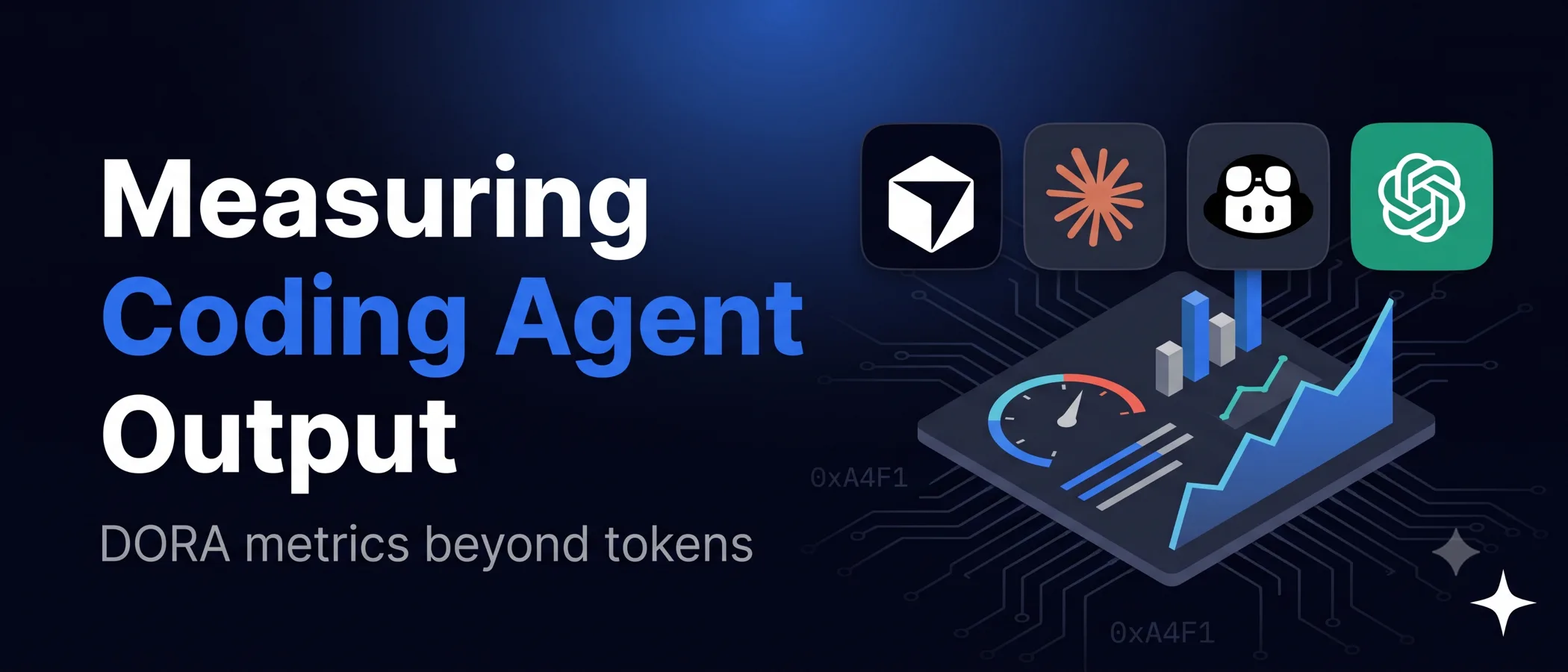
- Track downstream metrics such as review time, rework, test coverage, defect leakage and delivery speed to see whether the workflow is paying off.
Why Engineering Teams Need a Workflow, Not Just an AI Tool
An AI development workflow moves engineering teams past scattered tool experiments and into a standardized system of task routing, human checkpoints, testing and review. Giving developers access to AI tools does little on its own. The team has to standardize how those tools are used inside each delivery cycle to keep the architecture intact.
That discipline starts upstream, before any code is written, when AI requirements analysis turns scattered inputs into a clear, validated brief. At Unico Connect, the principle behind our AI-augmented development approach is that AI should help teams write better code, not just more code, because volume without quality creates technical debt. Our developers pair with AI across the whole software development lifecycle to write, refactor and review code, and that systematic approach is what keeps faster delivery from eating into maintainability.
Where Claude Code, Cursor, and Copilot Fit Best
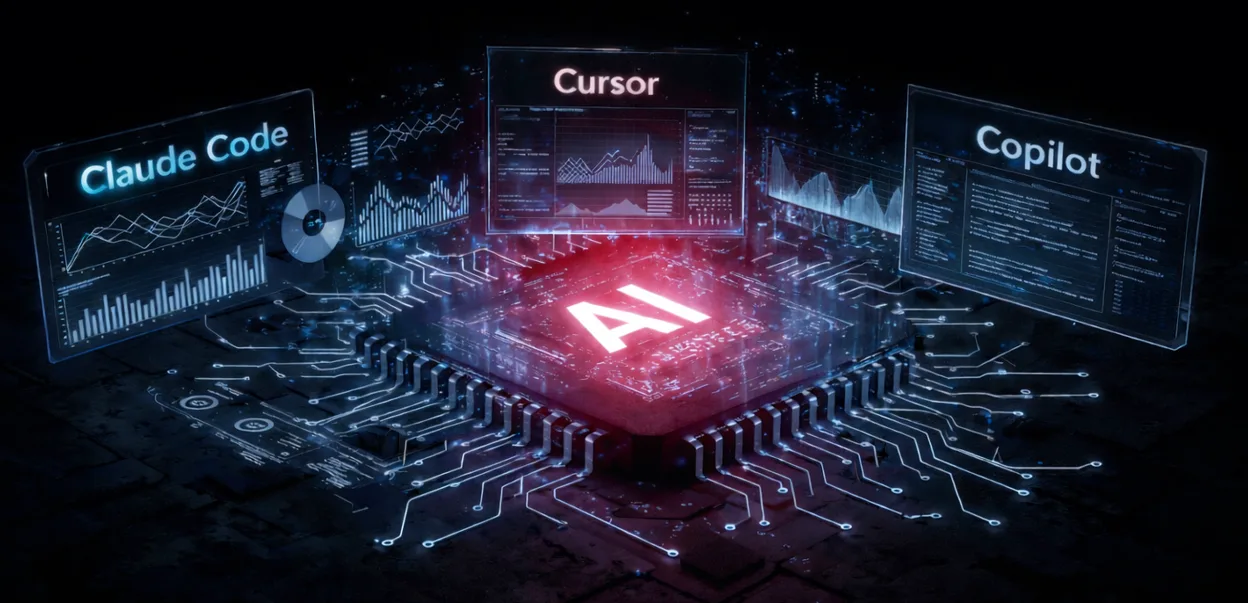
AI makes a development workflow highly efficient when the right tool is matched to the right task. No single assistant is equally good at planning, editing, refactoring, testing and code review.
Claude Code for structured, multi-step engineering work
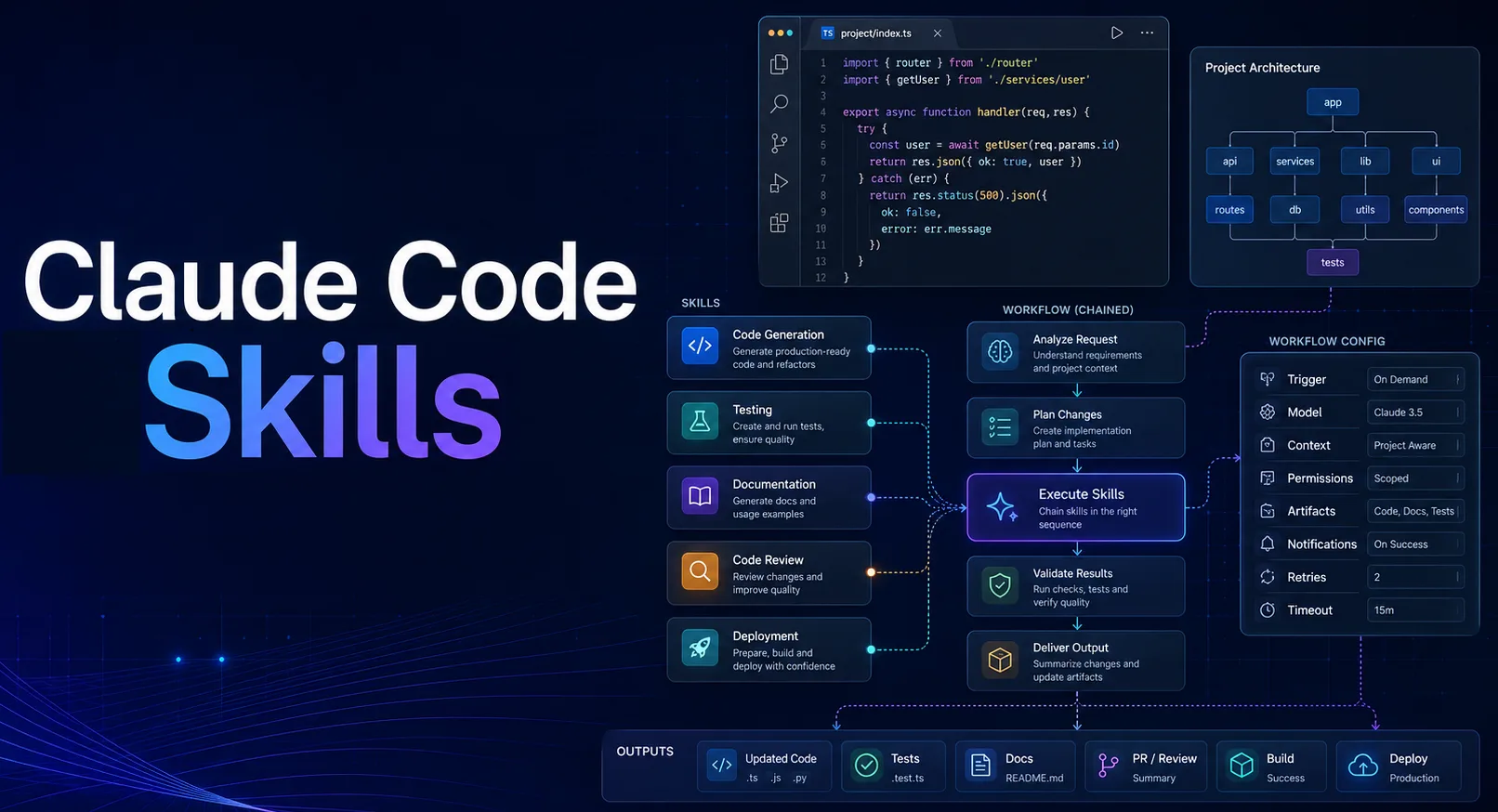
Claude Code maps a codebase quickly and is strong at reasoning across the whole repo. In our AI development workflows we use it for coordinated changes across multiple files and for structured implementation planning. At Unico, custom Claude Code skills run specific, complex tasks and shrink architectural refactors from hours to minutes.
Cursor for in-editor iteration and refactoring
Cursor builds deep AI integration into the editor itself, which suits codebase exploration and quick refactor loops. It works best when developers already know what they want to change and can check the output quickly. The quick-accept flow in Cursor makes it easy to push generated edits through without review, which is why engineering judgment is critical here. Teams need strict code review habits to stop developers accepting too much AI-generated logic.
GitHub Copilot for low-friction completion and scaffolding
Copilot is the standard tool for AI pair programming. It recognizes repetitive boilerplate patterns and offers low-friction inline suggestions, which makes routine implementation much faster. It works best inside the narrow scope of the current file and cannot stand in for broader architectural reasoning.
A Practical AI Coding Workflow From Ticket to Pull Request
To see where these tools overlap, follow one typical ticket through a standardized AI coding workflow. The ticket is to implement an OTP-based login flow with strict rate-limiting constraints.
- Frame the task and constraints. The developer writes down the requirements (generating, sending and validating the OTP) and the constraints (a limit of 3 OTP generation requests per minute per user, to prevent SMS API abuse).
- Choose the right assistant by task type. The developer uses Claude Code to plan the architectural logic for the rate limiter, so the design fits the broader codebase.
- Generate a narrow first pass. Using GitHub Copilot, the developer quickly scaffolds the boilerplate React components and the backend API route structures.
- Refactor to team standards. Inside Cursor, the developer highlights the generated code and prompts it to conform strictly to the custom UI component library the project already uses.
- Add or expand tests. The developer asks the AI for unit tests covering the edge cases, namely a user who stays under the rate limit, one who hits it exactly and one who exceeds it.
- Review for architecture and security. The code goes to a human reviewer, who audits the AI-generated rate-limiting logic for security vulnerabilities and checks for hallucinated dependencies.
- Prepare merge-ready output. Before merging, the developer has AI draft concise, accurate pull request documentation that summarizes the changes.
What Changes for Review, Testing, and Code Quality
AI pair programming sharply cuts the time it takes to write code, but the output may contain flaws and has to be validated. More developer time now goes into validating and testing what the AI produced, and the more AI-generated code a team ships, the more rigorous that testing has to be.
Generated code can also be hard for people to understand, refactor or debug later on. It often drifts from the patterns the team already uses, so developers have to bring it back in line with the rest of the codebase. Sometimes it refers to libraries, versions and methods that do not exist.
AI assumes perfect input, so it often fails on edge cases. The documentation it writes tends to describe what the code does and leave out why. An effective AI code review workflow catches these specific issues, namely hallucinated dependencies, edge-case failures and architectural drift.
The Strategic Takeaway for CTOs and Engineering Leaders
Move AI beyond prompt-and-respond tasks and embed it in the core of delivery. Design AI development workflows so that people can focus on interpretation and judgment and leave the execution to AI. Running AI as an operating model means shifting to a codified workflow with defined use cases, checkpoints and quality gates.
In practice, put a workflow policy, defined use cases and rigorous quality control in place. The shift is from using tools to running AI-assisted software development. Evaluate the operating model on metrics like review time, rework, test coverage, defect leakage and delivery speed.
Frequently Asked Questions
Should teams use one AI tool or combine several in one AI development workflow?
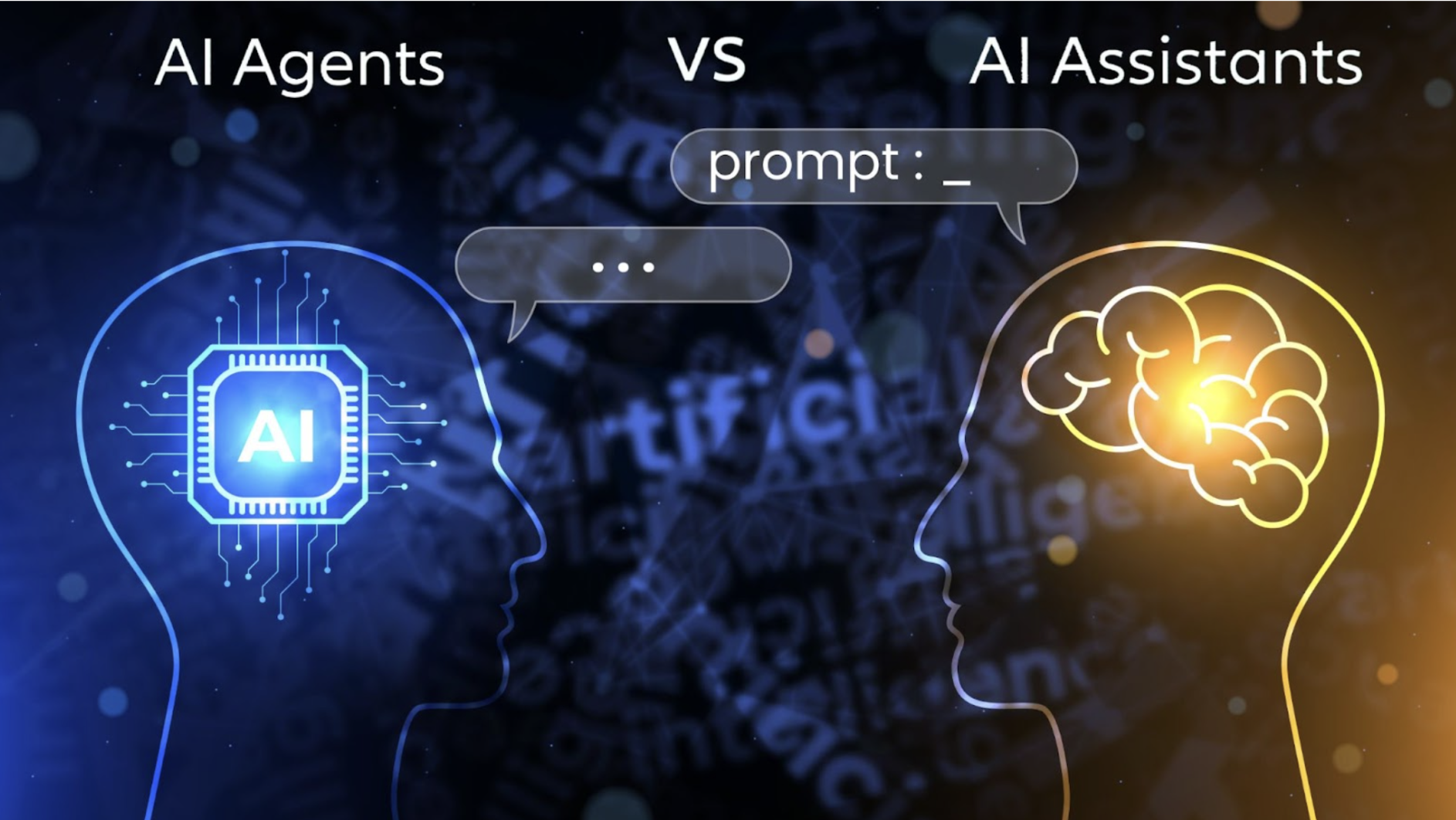
Combine several. Mature engineering teams choose the tool by engineering phase, because relying on one tool forces a compromise on either planning depth or coding speed.
What tasks are still a poor fit for AI pair programming?
AI pair programming still struggles with work that needs deep business context or depends on undocumented organizational constraints, and it is weak at novel architectural design.
How do you measure whether an AI coding workflow is actually improving delivery?
Technical leaders should track downstream metrics like the defect leakage rate, the number of clarification cycles during code review, test coverage percentages, and the overall reduction in cycle time from ticket creation to production deployment.
Does GitHub Copilot workflow reduce review time or shift the review burden?
Copilot often shifts the burden to the review phase. Writing code with it takes far less time, but AI can quickly generate large volumes of syntax-correct yet structurally misaligned code, so senior engineers end up spending more time reviewing PRs rigorously for maintainability, edge cases and architectural fit.
When is Claude Code workflow better than Cursor workflow for engineering teams?
Claude Code is the better choice for changes that span multiple files or require reasoning across the codebase, such as API contract updates or dependency migrations. Cursor is better for interactive work inside a single file or a small set of files, where the developer already knows what needs to change and wants fast feedback.