









AI Coding Tools vs AI Agents, Which Should Your Team Use in 2026?

Saurav Jagdale
Technical Lead, Unico Connect
In this article
- Quick Answer
- Key Takeaways
- What Are AI Coding Tools and How Developers Use Them Today
- Limitations of Traditional AI Coding Assistants
- What Are AI Agents for Software Development?
- AI Coding Tools vs AI Agents: A Workflow-Based Comparison
- The Tool Landscape as of August 2026
- When Should Teams Use AI Coding Tools vs AI Agents?
- How AI-Powered Developer Tools Are Reshaping Modern Software Teams
- Key Considerations Before Adopting AI Tools or AI Agents
- Frequently Asked Questions
- Final Thoughts: Choosing the Right AI Approach for Your Development Workflow
AI in software engineering has moved past syntax help. The question for engineering teams, CTOs, and product leaders is no longer how do we write code faster, it is how do we build smarter systems. That shift is driven by a transition from passive assistants to autonomous agents. This guide gives an honest, workflow-based comparison of AI coding tools and AI agents, with a clear framework for which to use when.
Quick Answer
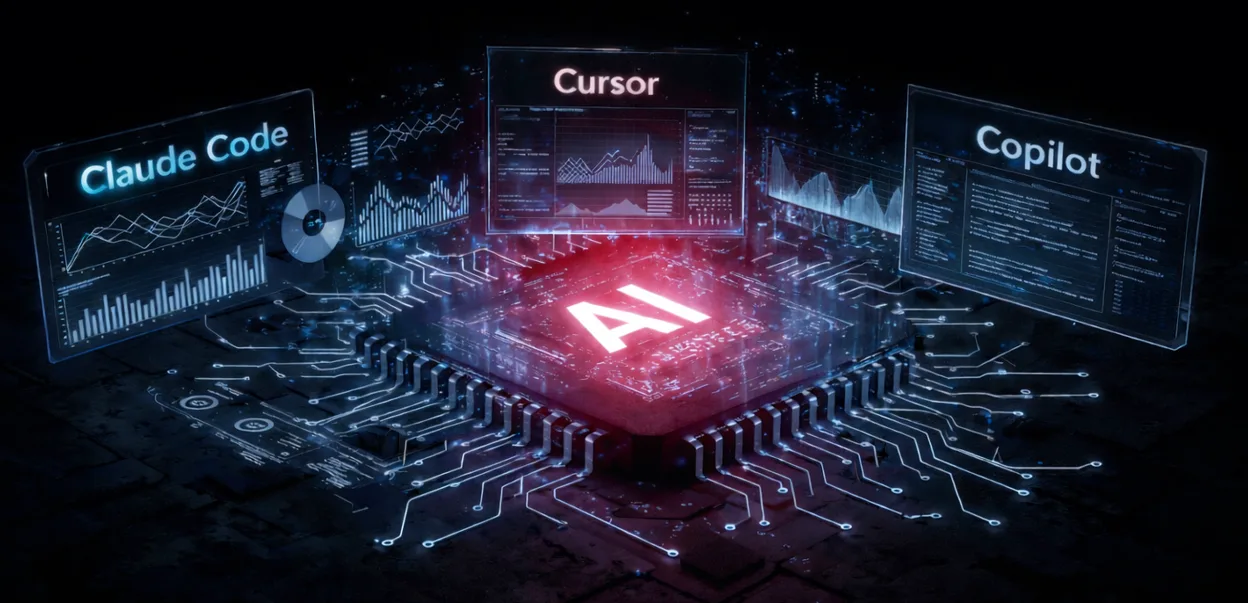
AI coding tools are reactive assistants embedded in the IDE that accelerate single file work like autocomplete, refactoring, and boilerplate. AI agents are autonomous systems that plan and execute multi step tasks across the full repository, including refactors, migrations, bug fixes, test generation, and CI/CD monitoring. The realistic choice for most teams in 2026, and the setup Unico Connect engineers run every day, is both. An IDE assistant such as Cursor or GitHub Copilot for in-flow speed, and a terminal agent such as Claude Code or OpenAI Codex for background and multi-step work.
Key Takeaways
- AI coding tools are reactive and IDE-centric; AI agents are proactive and repo-wide
- Assistants compress individual developer time; agents reshape team workflows
- Most teams benefit from running both, assistants for immediate help and agents for long running tasks
- Security, integration cost, and team readiness should drive adoption decisions, not hype
- The right comparison is not "tools vs agents" but "what is the maturity of our workflow"
What Are AI Coding Tools and How Developers Use Them Today
AI coding tools, meaning assistants embedded directly inside an IDE, are the most familiar form of AI in software engineering. They behave like intelligent autocomplete. they suggest the next line, generate boilerplate, refactor a function, or catch a syntax error before it lands.
Developers use these tools constantly. They reduce the cognitive load of routine work, let teams stay in their flow state, and integrate cleanly with existing development environments. For most individual contributors, they are now a default part of the toolchain. Unico Connect's AI development services include integrating these tools into enterprise engineering pipelines with proper governance and security controls.
Limitations of Traditional AI Coding Assistants
The limits become clear at scale. Most AI assistants are reactive, waiting for input rather than initiating action. They focus on the open file rather than the wider repository. They are not aware of architecture, cross-file dependencies, or the longer history of the codebase.
That works well for individual productivity. It works less well for team-wide impact. Assistants accelerate the keystrokes, not the decisions. They cannot run a multi-file refactor, monitor CI for failures, or carry out an end-to-end migration. For those tasks, a more capable form of automation is needed.
What Are AI Agents for Software Development?
If assistants are like co-pilots, AI agents are like junior engineers who can carry out work on their own. They take a high-level goal, decompose it into steps, and execute across systems with limited supervision. They read documentation, run commands in a terminal, edit multiple files, and verify their own work against tests.
Critically, agents own pieces of the development lifecycle rather than just the editor. They write tests, fix bugs across files, monitor deployments, summarise pull requests, and manage routine technical debt. Their value is team-wide rather than individual.
AI Coding Tools vs AI Agents: A Workflow-Based Comparison
The right comparison is workflow-based, not feature-based:
| Dimension | AI Coding Tools | AI Agents |
|---|---|---|
| Scope of work | Single file or function | Repository or system-wide |
| Autonomy | Reactive, requires prompting | Proactive, plans and executes multi step tasks |
| Context awareness | Limited to open files | Deep understanding of full codebase |
| Workflow integration | IDE-centric (completion, refactor) | End-to-end (CI/CD, testing, debugging) |
| Best-fit use case | Boilerplate, syntax, in-flow help | Refactors, bug fixes, migrations, test generation |
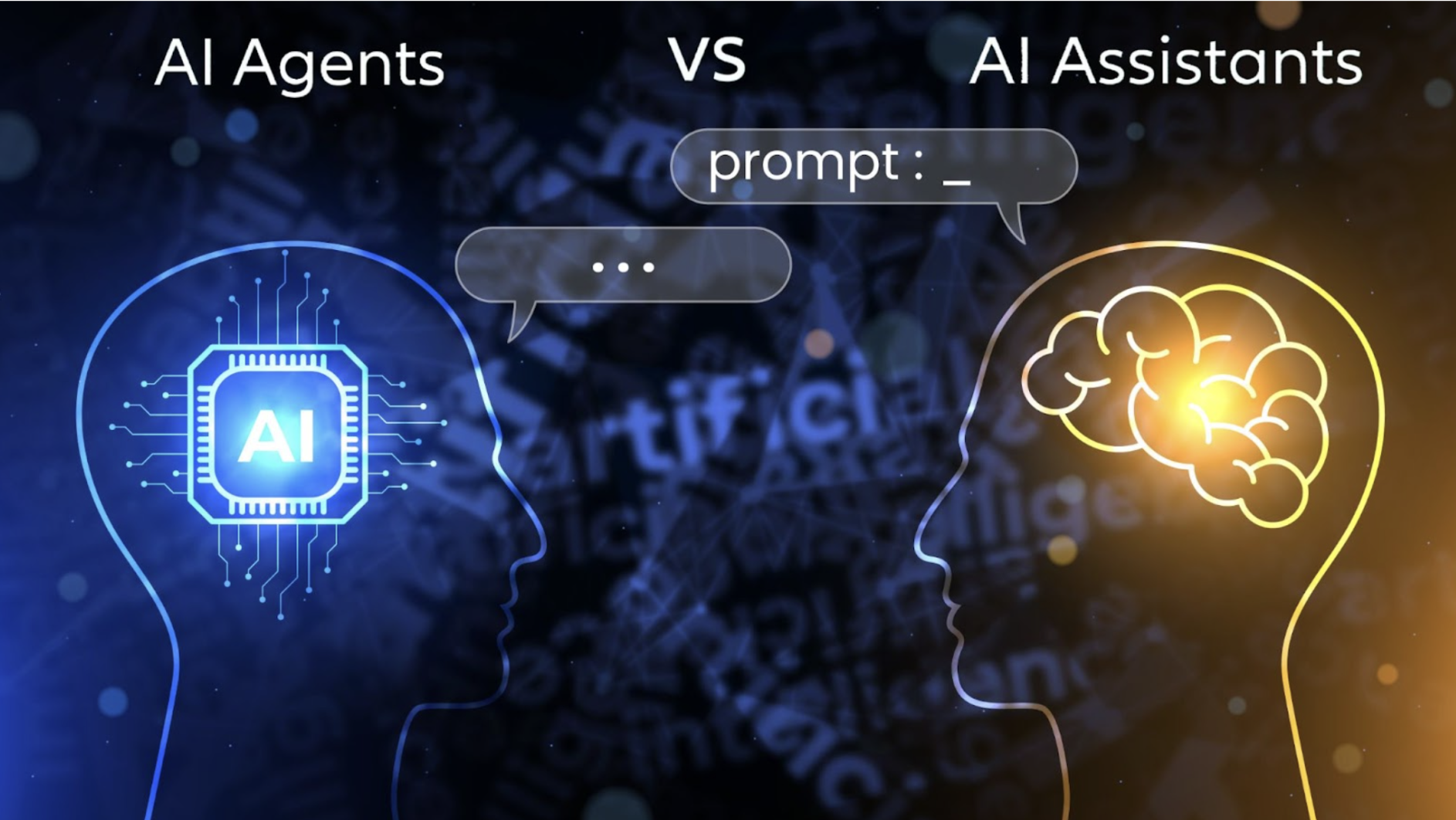
The pattern is straightforward: assistants accelerate individual developers; agents reshape team workflows.
The Tool Landscape as of August 2026
The category moves fast, so here is the field as it stands in late August 2026. Seven tools dominate serious engineering teams. On the IDE side, Cursor leads on editing experience, and its published pricing starts at 20 dollars per month for individual plans and 40 dollars per user per month for team plans, with higher usage tiers above each and enterprise pricing quoted by sales. Read those from the pricing page on the day you buy, because Cursor has restructured its tiers more than once this year. GitHub Copilot remains the lowest friction entry point inside VS Code and JetBrains. Windsurf became Devin Desktop, with its original Cascade agent retired on 1 July 2026 in favor of Devin Local, and Devin remains the main bet for fully autonomous ticket in, PR out work.
On the terminal side, Claude Code now defaults to Claude Opus 5 with a 1 million token context window and leads on deep reasoning and large codebase work. OpenAI Codex recommends GPT-5.6 Sol by default. The headline change since our last update is that the gap at the top has essentially closed. On Terminal-Bench 2.1, GPT-5.6 Sol and Claude Opus 5 now sit within about half a point of each other at the front of the leaderboard. Treat any precise ranking with care, because published figures differ between evaluators depending on how the splits are weighted, and a difference under one point is not a reason to choose a tool. Google Antigravity 2.0, released May 2026, leads multi agent orchestration with scheduled background tasks, and AWS backed Kiro rounds out the field.
The model layer changed just as quickly. GPT-5.6 went generally available on 9 July in three tiers, Claude Sonnet 5 arrived 30 June, and the Claude 5 family including Claude Opus 5 and Claude Fable 5 rolled out through July. Claude Code has since made Claude Opus 5 its default Opus model. We put this to a practical test ourselves and built a production website in 4 hours with Claude Fable 5. The pattern among serious teams matches our own recommendation below. Run two tools, an IDE agent for daily flow and a terminal agent for hard problems.
When Should Teams Use AI Coding Tools vs AI Agents?
Choice depends on team scale and project complexity:
- Individual developers and small teams on focused projects. A strong AI coding assistant is usually enough. The marginal benefit of agents on simple work is small relative to the integration overhead
- Scaling teams on complex, distributed systems. Context switching cost grows quickly. Agents excel here, owning background work like refactors, test coverage, and dependency hygiene
- Most mature teams. Run both, assistants for in IDE flow and agents for long running tasks. The combination is more powerful than either tool alone
How AI-Powered Developer Tools Are Reshaping Modern Software Teams
The measure of engineering success is shifting from "lines of code shipped" to "features delivered reliably". AI-powered developer tools accelerate that shift by absorbing routine work and freeing humans for planning, architecture, and judgment.
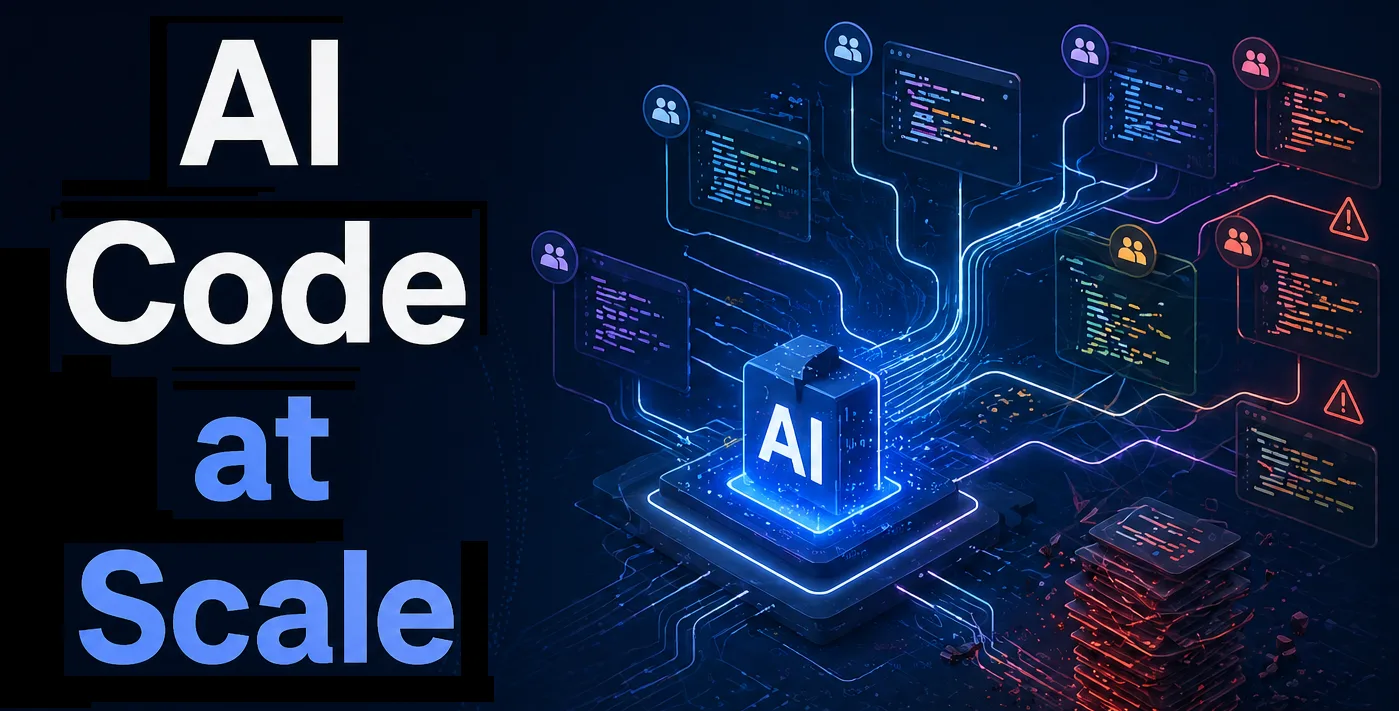
The honest version of this story is that strong human oversight is more important than ever. Agents can ship code at scale, but they can also propagate mistakes at scale. The teams that win are not the ones that hand the most work to AI; they are the ones that combine AI productivity with disciplined review and clear ownership.
Key Considerations Before Adopting AI Tools or AI Agents
Before adding new tools, look past the marketing. Four considerations matter most:
- Security. Confirm that your proprietary code is not used to train public models without consent. For regulated industries, require VPC isolation or on-premise deployment
- Integration complexity. How cleanly does the tool plug into your existing IDE, CI/CD, code review, and incident workflows
- Team readiness. What is the learning curve, and how will the team adopt the tool without losing momentum
- Cost vs ROI. Measure the real productivity gain, not the demoed one. Pilot on a representative workflow before rolling out broadly
Frequently Asked Questions
Which AI coding tools should a team evaluate in 2026?
Seven tools cover the serious options. Cursor, GitHub Copilot, and Devin Desktop (formerly Windsurf) on the IDE side, and Claude Code, OpenAI Codex, Google Antigravity, and Kiro on the agent side. Most teams land on one from each group. Pilot them on a representative workflow rather than a demo, and re-evaluate quarterly, because model updates such as GPT-5.6 and the Claude 5 family shift the rankings several times a year. The same evaluation discipline applies to the models themselves, which we cover in how to choose an AI model for production. As of August 2026 the top two agent models sit within about half a point of each other on Terminal-Bench 2.1, so pick on workflow fit and price rather than on a benchmark position.
What is the main difference between AI coding tools and AI agents?
The key difference is autonomy. AI coding tools are reactive, responding to a request in the IDE and helping write code faster. AI agents are proactive, planning and executing multi step tasks across the full codebase with minimal human intervention.
Are AI agents better than AI coding assistants for developer productivity?
It depends on the task. Assistants are faster for immediate, in-IDE work. Agents are better for complex, long running tasks such as refactors, migrations and test generation, which let developers focus on higher level work. Most teams gain more from running both.
Can software development teams use both AI coding tools and AI agents?
Yes, and most mature teams do. Developers use AI assistants inside their IDE for instant help, while agents handle background or multi-step tasks. This combination produces a more integrated, higher-leverage development workflow.
How do AI-powered developer tools fit into modern DevOps workflows?
AI-powered developer tools now automate code reviews, summarise pull requests, and surface deployment failure patterns. They sit alongside CI/CD pipelines, monitoring, and observability, closing the gap between development and operations rather than replacing either.
What are the security risks of AI coding tools and agents in enterprises?
The main risks are data leakage of proprietary code and unintended changes from autonomous agents. Mitigate with VPC or on-premise deployments, contracts that prohibit training on customer code, scoped permissions for agents, and strong human review on all agent-driven changes.
What is a realistic productivity gain from adopting AI coding tools?
Realistic gains for assistants range from 25 to 45 percent on standard engineering work and considerably less on novel architecture. Agents shift the picture from individual speed to team wide throughput, where gains there depend more on workflow design than raw model quality.
Final Thoughts: Choosing the Right AI Approach for Your Development Workflow
The right framing is not tools versus agents, it is what the maturity of our workflow actually is. A capable engineering organisation in 2026 uses both, assistants for in IDE acceleration and agents for end to end automation. The advantage goes to teams that adopt thoughtfully, with security, governance, and human review built in from the start. To explore how Unico Connect builds AI-driven engineering workflows for enterprises, see our AI development services.