









Google Gemini for Software Development, Use Cases, API Integration & Strengths

Saurav Jagdale
Technical Lead, Unico Connect
In this article
- Quick Answer
- Key Takeaways
- What Is Google Gemini and Why It Matters for Developers
- Key Gemini Use Cases in Software Development
- What Makes Gemini Different
- Integrating Gemini: API, SDK and Enterprise Patterns
- Best Practices for Building with Gemini
- How to Get Real Value From Gemini
- Frequently Asked Questions
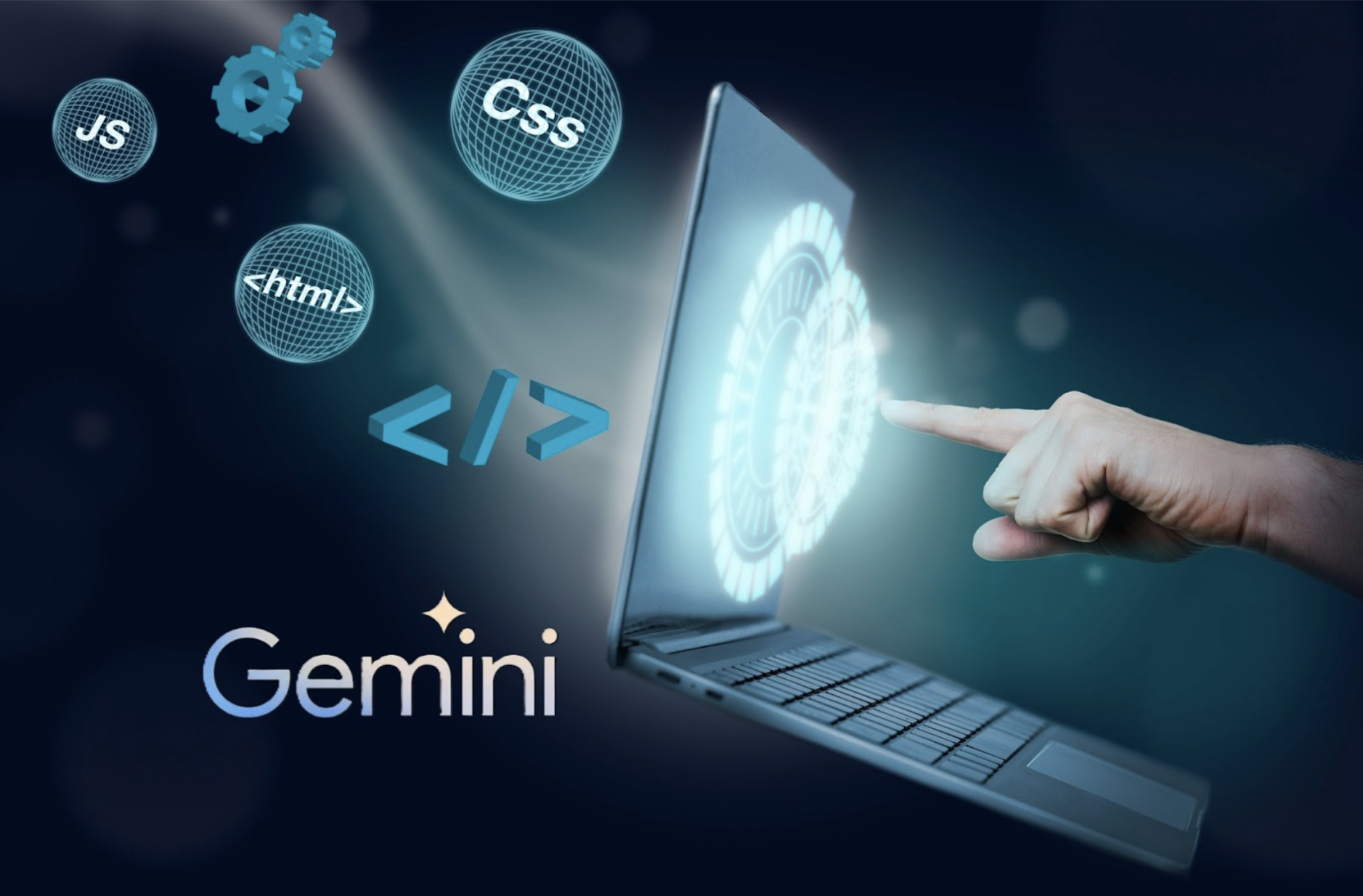
Google Gemini has moved past being "a model you can chat with" and into a development capability that teams build on. Its multimodal reasoning and very large context window let it work across large parts of a codebase, well beyond the file you have open. Native ties to Google Cloud, Android Studio and Firebase also make it a practical default for teams already in the Google ecosystem.
The rest of this post stays on Gemini, covering where the model helps across the software lifecycle, how it differs from other assistants and how to integrate the Gemini API and SDK into real products.
Quick Answer
Google Gemini helps software teams in four main ways, namely code generation and completion with large parts of the codebase in context, faster debugging and refactoring, automated documentation and test generation, and multimodal input that turns a UI sketch, screenshot or screen recording into working code or a bug repro. Teams integrate it through the Gemini API for backend features, its official Google GenAI SDK for internal developer tools, and native hooks in Google Cloud and Firebase for production apps.
Key Takeaways
- Reach for Gemini when a task needs a large part of the codebase or an input beyond text, such as a flowchart image or a defect video, because multimodal reasoning and a large context window are where it pulls ahead.
- Start with its strongest use cases, namely code generation grounded in your project conventions, root cause debugging across files, and automating the tests and documentation teams routinely skip.
- Integration comes in three shapes, so pick by where the feature lives. Use the Gemini API for backend features, its official Google GenAI SDK for internal tooling and IDE plugins, and the native Google Cloud or Firebase paths for apps already on that stack.
- If your team already runs on Google Cloud, Android or Firebase, Gemini is a strong default and a low friction choice.
- As with any AI in production, the work is in the guardrails, so plan data security, cost and performance monitoring, and human review of consequential changes before launch.
What Is Google Gemini and Why It Matters for Developers
Gemini is the multimodal model family from Google, built to process and reason across text, code, images, audio and video in a single context. For developers, the practical difference from a plain code completion tool is that Gemini can understand intent and structure. It reads architectural context and traces logic across files, and it accepts inputs other than text, so a UI sketch can become component code and a screen recording can become a reproducible bug report.
Because it plugs into Google Workspace and Google Cloud, it can also pull requirements from a Doc, or design context from connected tools, straight into working logic. That saves you from starting at a blank prompt every time.
Key Gemini Use Cases in Software Development
Code Generation and Intelligent Assistance
Developers use Gemini most for context aware code generation. Its suggestions are grounded in the surrounding code and the conventions of the project, and they come with reasoning attached. The model is language agnostic in practice, so the same help applies across the stack, from backend services to mobile and front end work.
Debugging, Refactoring, and Code Quality
Gemini is also useful for modernising code that already exists. When you debug, the large context window lets it run root cause analysis across files and catch logic errors that a linter looking at one file would miss. Its refactoring suggestions target performance and readability, which helps teams pay down technical debt before it compounds.
Documentation and Test Generation
Documentation and tests are the work teams routinely skip, and Gemini automates both. It writes clear documentation for knowledge sharing and produces unit and integration tests derived from the code logic itself, which moves engineering time off repetitive scaffolding and onto product and UX decisions.
What Makes Gemini Different
- Multimodal reasoning means Gemini can read a flowchart image and produce matching backend logic, or analyse a defect video to reproduce an issue. GitHub Copilot Chat also accepts images such as flowcharts and UI mockups when the selected model supports image input, but its supported file types do not include video.
- A large context window lets it hold big portions of a codebase in context, so it can reason about the system as a whole. Google documents context windows of 1 million or more tokens on many Gemini models, and says 1 million tokens would look like 50,000 lines of code at the standard 80 characters per line.
- Native Google integration gives it first class compatibility with Google Cloud, Android Studio and Firebase, which makes it a low friction choice for enterprise and SaaS apps already on Google infrastructure.
Integrating Gemini: API, SDK and Enterprise Patterns
Gemini API in Your Backend
The Gemini API puts the model directly inside your backend services through a standard REST or client library interface. Typical jobs are processing user queries, generating dynamic content and analysing data in real time. It fits microservices architectures well, where a focused AI module owns a single responsibility.
Google GenAI SDK for Internal Developer Tools
Teams use the Google GenAI SDK, the official libraries Google maintains for the Gemini API, to build their own developer tooling, such as IDE plugins for proprietary frameworks or internal portals where engineers explore private code and documentation in natural language.
Embedding Gemini in SaaS and Enterprise Products
Multimodal capability lets you ship features that put AI first, for example dashboards that summarise analytics automatically or commerce tools that classify inventory with visual recognition. Features like these are backed by the enterprise security posture of Google Cloud.
Best Practices for Building with Gemini
Treat data security and compliance as a first class requirement. Protect proprietary code and user data, and confirm how prompts and outputs are handled. Build in performance and cost monitoring from day one. Model calls are a real line item, so optimise for both latency and spend. Keep responsible AI checks (accuracy, fairness, human review on consequential output) in the loop from the start rather than bolting them on later.
How to Get Real Value From Gemini
Teams get the most from Gemini when they tie it to a concrete objective, such as faster time to market, lower defect rates or a specific product feature, rather than "adopting AI" in the abstract. At Unico Connect we help teams scope that work, namely where Gemini fits, how to integrate it cleanly and how to ship it to production with the right guardrails. Our AI integration services page sets out how we approach it.
Frequently Asked Questions
What are the main Google Gemini use cases for developers?
The main use cases are context aware code generation and completion, root cause debugging and refactoring, automated documentation and test generation, and multimodal input such as turning a UI sketch into code or a screen recording into a bug repro.
How does Gemini differ from other AI tools for software development?
The two big differences are multimodal input, with text, code, images, audio and video handled in one context, and a large context window that lets Gemini reason across large parts of a codebase rather than a single file. For teams on Google infrastructure, native Google Cloud, Android Studio and Firebase integration is a third differentiator.
How do developers integrate the Gemini API into an application?
Developers integrate it through the REST API or the official client libraries. A common pattern is a dedicated backend service or microservice that calls Gemini for a specific job, such as query handling, content generation or data analysis, and returns structured results to the rest of the app.
Is Gemini suitable for enterprise software development?
Yes, provided you apply the usual data handling, monitoring and review practices. On Google Cloud, Gemini runs on Gemini Enterprise Agent Platform (formerly Vertex AI), which supports security controls such as data residency, customer managed encryption keys (CMEK), VPC Service Controls and Access Transparency, though support varies by model and feature, and preview models are excluded. The Google Cloud terms also say Google will not use customer data to train or fine tune AI models without prior permission or instruction.
Should we use Gemini or a general AI coding assistant?
You can use both, since the two are not mutually exclusive. Gemini makes a strong default when you already run on Google Cloud, Android or Firebase, or when the work needs multimodal and long context reasoning. Many teams run more than one assistant and send each task to whichever one fits it.