









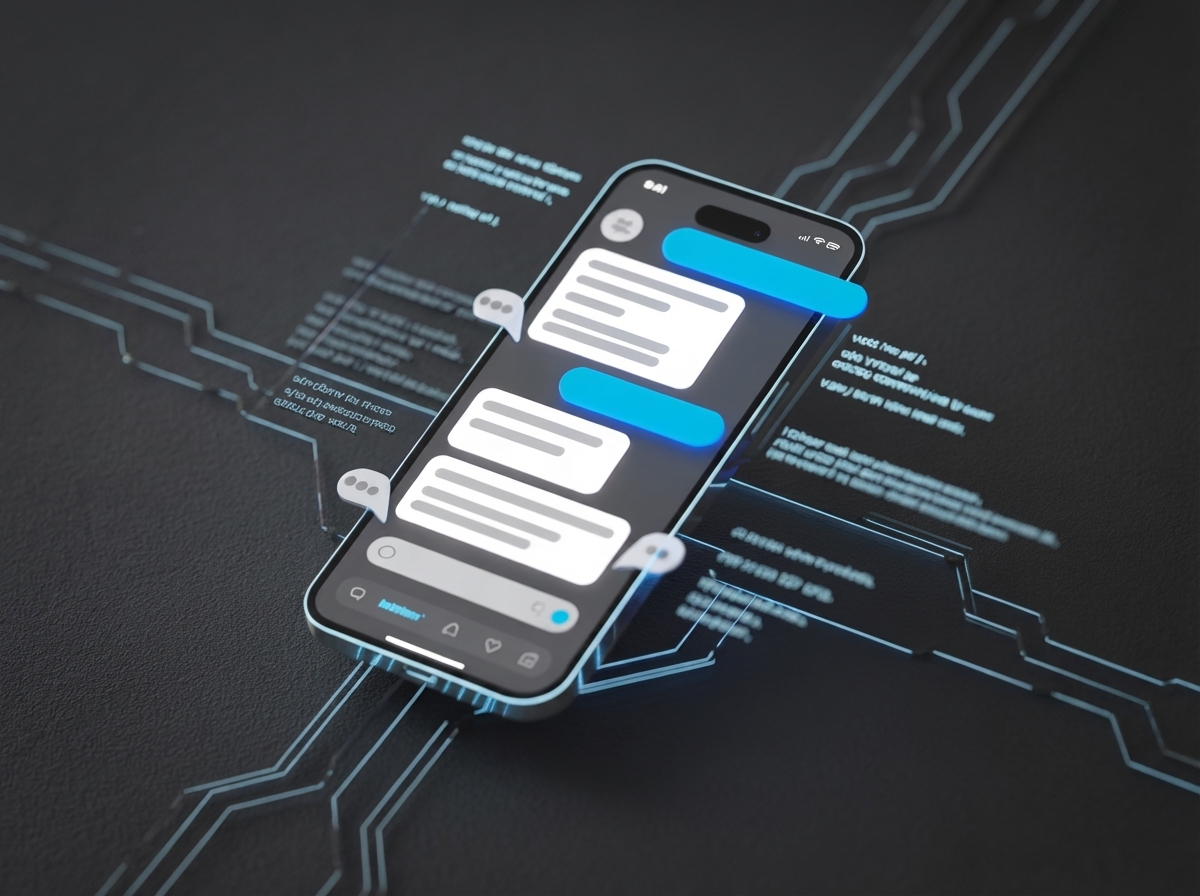
Flutter Apps with AI, Architecture, Cost and Lessons from Adding LLM Features

Zubin Gala
Principal Mobile App Engineer, Unico Connect
In this article
- Quick Answer
- Key Takeaways
- Why Flutter Works Well for AI-Native Mobile Apps
- The 3 Architecture Patterns for LLM Features in Flutter
- What We Learned Shipping AI Chat in a FlutterFlow App
- Managing Streaming Responses in Flutter
- Controlling LLM Costs in Mobile Apps at Scale
- AI Features and App Store Compliance
- Frequently Asked Questions
Quick Answer
Adding LLM features to Flutter apps is straightforward to prototype but requires careful architecture for production. The three biggest challenges: managing API call latency in mobile UX (waits over 3 seconds destroy retention), controlling inference costs at scale (10,000 daily active users can generate $500 or more per day in API costs), and designing graceful offline fallbacks.
Key Takeaways
- Flutter's single codebase model is a genuine advantage for AI-native apps: ship the same LLM features to iOS and Android simultaneously
- StreamBuilder, Flutter's reactive widget for async data streams, handles token-by-token streaming responses from LLMs naturally
- At 10,000 daily active users with moderate AI feature usage, API inference costs can reach $200 to $500 per day; cost architecture is not optional
- Backend-hosted AI architecture (where your server layer handles LLM calls and Flutter renders the results) is the right default for production apps
- On device models like Gemma 4 E2B or Phi-4-mini are viable for specific offline first or privacy sensitive use cases, but capability limitations mean they are supplementary rather than primary
Why Flutter Works Well for AI-Native Mobile Apps
Single codebase, simultaneous AI feature deployment
When you ship a new LLM-powered feature: a smarter search, a personalised recommendation engine, an in-app AI assistant, you ship it to iOS and Android users at the same time from a single codebase. In a world where AI capabilities are evolving fast, this matters. You are not managing separate release cycles for a feature that is already changing every few months.
StreamBuilder is purpose-built for streaming LLM responses
One of the most important UX patterns for LLM features is streaming: showing the model's response as it generates, word by word or token by token, rather than making the user wait for the complete response. Flutter's StreamBuilder widget handles this pattern cleanly.
Dart's async/await keeps AI calls non-blocking
LLM API calls take time: typically one to four seconds for a first token. In a mobile app, a blocking UI thread during this wait creates a frozen, unresponsive experience. Dart's async/await model, combined with Flutter's reactive widget system, makes it natural to initiate an LLM call, show loading state, and update the UI progressively as results arrive.
State management libraries handle AI response state well
Riverpod and Bloc, two of the most widely used Flutter state management approaches, are well-suited to managing the lifecycle of AI feature state: loading, streaming, completed, error, and cached states.
The 3 Architecture Patterns for LLM Features in Flutter
| Criteria | Pattern 1: Backend-Hosted AI | Pattern 2: Direct Client API Calls | Pattern 3: On-Device Model |
|---|---|---|---|
| Latency | 1 to 4 seconds | 1 to 4 seconds | 50 to 500ms (local inference) |
| Cost | Centralised; controllable via server-side rate limiting and caching | Distributed; each client call is a cost event with no central control | Zero inference cost post-download |
| Capability | Full access to frontier models | Full access to frontier models | Limited to Gemma 4 E2B or Phi-4-mini class models |
| Offline Support | None without explicit caching | None without explicit caching | Full offline capability |
| Complexity | Medium; requires backend API layer | Low; simplest to implement | High; model management, quantisation, device compatibility |
| API Key Security | Secure; keys never leave server | Insecure; keys embedded in client | Not applicable |
| Best For | Production apps | Rapid prototyping and proof of concept | Offline-first apps, privacy-sensitive features |
Pattern 1 (Backend-Hosted AI) is the default for production
Your Flutter app calls your own backend API. Your backend handles authentication with the LLM provider, applies rate limiting and caching, and streams the response back to the client. Your API keys never appear in the client codebase or compiled app binary.
Pattern 2 (Direct Client API Calls) is for prototypes only
It is tempting to call OpenAI or Anthropic directly from the Flutter app to skip the backend layer. Resist this for anything beyond a proof of concept. API keys embedded in Flutter apps can be extracted from compiled binaries.
Pattern 3 (On-Device Models) is for specific use cases
If your app genuinely needs offline AI functionality, or if you handle sensitive data that should never leave the device, on device models are worth the integration complexity. Models like Gemma 4 E2B and Phi-4-mini can run on modern mobile hardware with reasonable performance.
What We Learned Shipping AI Chat in a FlutterFlow App
For a European consumer wellness brand, we built a FlutterFlow app for iOS and Android with conversational AI across text and voice at its center, using native speech to text on input and audio playback on output. Most of the design time went into the AI dialogue states, voice playback and the moments the AI guides users back into profiling, treated as product surface rather than engineering edge cases. The backend ran on Xano, provided by the customer, and we worked with their backend team on the solution architecture, including the AI integration patterns. Read the AI chat platform case study.
Managing Streaming Responses in Flutter
Why streaming matters for mobile
Streaming is not just a nice-to-have: it is a meaningful retention lever. A user waiting three seconds for a full response is watching a spinner. A user watching text appear progressively over three seconds is engaged in something happening.
UX patterns that work
Typing indicators signal that the AI is working before the first token arrives. Skeleton screens reduce layout shift. Progressive reveal works well for structured content.
The edge case that causes real user complaints: dropped streams on mobile networks
When a streaming response drops mid-generation because the user's mobile network hiccupped, you have a partial response in the UI. Users find partial responses more confusing than a clean error message. Build explicit handling for this: detect stream interruption, show a clear "connection interrupted" state, and offer a one-tap retry.
Controlling LLM Costs in Mobile Apps at Scale
Consider an app with 10,000 daily active users, each making 5 AI feature interactions per day. If each interaction averages 1,500 tokens, that is 75 million tokens per day. At typical frontier model pricing in 2026, this generates approximately $200 to $500 in daily API costs.
Strategy 1: Cache common queries
A semantic caching layer can reduce API spend substantially, because repeat questions are answered from the cache instead of the model.
Strategy 2: Context window trimming
Summarise older turns in the conversation rather than including them verbatim, and set explicit maximum context lengths.
Strategy 3: Model tiering
Not every AI feature in your app needs a frontier model. Use smaller, faster, cheaper models for routing and classification; reserve frontier models for the features where reasoning quality matters.
Strategy 4: On-device for offline features
If your app has features that could plausibly run on a smaller model, consider running these on-device. Zero inference cost, instant response, works offline.
AI Features and App Store Compliance
Apple App Store (App Review Guideline 5.1.2)
Apple requires apps to clearly disclose where personal data will be shared with third parties, including third party AI, and to obtain explicit permission before doing so.
Google Play
Google Play requires apps that generate content with AI to include in app reporting or flagging, so users can report offensive AI output to the developer without leaving the app.
India DPDP Act 2023
Your onboarding flow needs to clearly explain that interaction data is used to personalise the AI experience, and users must affirmatively consent.
EU GDPR
For EU users, LLM personalisation features need a lawful basis for processing personal data.
US health apps
If your app handles protected health information for a HIPAA covered entity, such as a provider or health plan, you need a Business Associate Agreement with any LLM API provider that receives it. Many consumer wellness apps sit outside HIPAA, but the FTC Health Breach Notification Rule can still apply to them.
Frequently Asked Questions
Is Flutter good for AI-featured apps?
Yes, particularly for teams that need to ship to both iOS and Android. Flutter's StreamBuilder widget handles streaming LLM responses naturally, Dart's async model keeps AI calls non-blocking, and state management libraries like Riverpod handle AI response lifecycle well.
How do I prevent API key exposure in a Flutter app?
Never embed API keys in the Flutter client codebase. Use Pattern 1: backend-hosted AI architecture, where your Flutter app calls your own backend API.
What is the average cost for LLM features at 10,000 daily active users?
Based on typical usage patterns of approximately 5 interactions per user per day at 1,500 tokens per interaction, expect approximately $200 to $500 per day in API costs at current model pricing.
How do I handle offline mode for AI features in Flutter?
Two approaches. First, caching: store responses to common or recent queries locally. Second, on-device models: run a smaller local model for features where the capability ceiling is acceptable.
What is the latency difference between on-device and cloud AI?
Cloud AI inference typically delivers a first token in one to four seconds. On-device inference runs significantly faster for the inference step itself, typically 50 to 500 milliseconds for smaller models, but with substantially lower output quality compared to frontier cloud models.
Do I need a backend to add AI features to my Flutter app?
For a prototype, no. For production, yes. A backend layer gives you API key security, centralised cost control, caching, rate limiting, and the ability to swap model providers without a client app update. Our mobile app development team builds the app and the backend.