










High-Converting Webflow Websites for Growth

Anurag Kurmi
Senior Full Stack Engineer, Unico Connect
In this article
- Quick Answer
- Key Takeaways
- Why High-Converting Websites Matter
- What Makes Webflow Stand Out?
- Key Benefits of Building a Website in Webflow
- Webflow vs WordPress: Choosing the Right Platform
- Real-World Inspiration: Best Webflow Websites
- How Webflow Design Services Help Businesses Scale
- Step-by-Step Webflow Website Creation Process
- Frequently Asked Questions
- Conclusion
A high-converting website turns visitors into customers. A great-looking website that doesn't convert is just expensive decoration. Webflow has become the platform of choice for teams that want both — visually polished sites that load fast, rank well, and convert hard. This guide walks through what makes Webflow stand out, how it stacks up against WordPress, and the practical path to building a high-converting site with it.
Quick Answer
Webflow is a visual no-code platform that lets teams design and ship high-converting websites without writing custom code. Its strengths — clean code, strong SEO, fast load times, native CMS, and a powerful visual editor — make it particularly well-suited for marketing sites, content-driven products, and landing pages. For most modern businesses, Webflow is a better default than WordPress for new sites.
Key Takeaways
- High-converting websites combine clean design, strong UX, fast performance, and clear calls to action
- Webflow produces clean, optimised code with strong SEO defaults — no plugin sprawl
- Webflow vs WordPress: Webflow wins on performance, security, and maintenance; WordPress wins on plugin ecosystem
- Conversion features such as responsive design and integrations are built in, and A/B testing comes through Webflow Optimize, a paid Webflow add on
- The mature pattern: design in Figma, build in Webflow, integrate with CRM and analytics, iterate continuously
Why High-Converting Websites Matter
Conversion is the bottom line of every marketing investment. Even a 10% improvement in conversion rate compounds across every channel — paid ads work harder, organic traffic delivers more value, and customer acquisition cost drops materially. The right platform makes that conversion lift easier to achieve and sustain.
Webflow ships sites that perform on every dimension that matters for conversion: load speed, mobile responsiveness, SEO, and design polish.
What Makes Webflow Stand Out?
Three things make Webflow distinctive in the no-code web space:
- Clean, optimised code output — no plugin sprawl, no theme conflicts, no maintenance debt
- Powerful visual editor — pixel-perfect design control without writing HTML or CSS
- Native CMS and ecommerce — content collections, dynamic templates, and commerce primitives built in
Unico Connect's Webflow development team ships production Webflow sites for startups and enterprises — see our work and approach.
Key Benefits of Building a Website in Webflow
Three benefit categories drive Webflow adoption:
Customisable and Scalable Design
Webflow combines pixel-perfect design control with reusable components, design systems, and responsive layouts. As the brand evolves, the site evolves with it — no rebuild required. Interactive elements, animations, and dynamic content keep users engaged without complex code.
SEO and Performance Advantages
Webflow ships with strong SEO defaults — clean semantic HTML, full meta tag control, structured data support, automatic SSL, and global CDN delivery. Page load times are typically excellent, mobile responsiveness is built in, and Lighthouse scores are consistently high. The result is sites that rank well and load fast — both critical for conversion.
Conversion-Focused Features
Webflow's primitives are conversion-friendly: responsive design out of the box, polished mobile experience, A/B testing through Webflow Optimize, a paid Webflow add on, integrations with major CRMs and marketing tools (HubSpot, Salesforce, Mailchimp, Klaviyo), and clear interactive primitives for compelling CTAs. The platform doesn't fight you when you're trying to optimise for conversion.
Webflow vs WordPress: Choosing the Right Platform
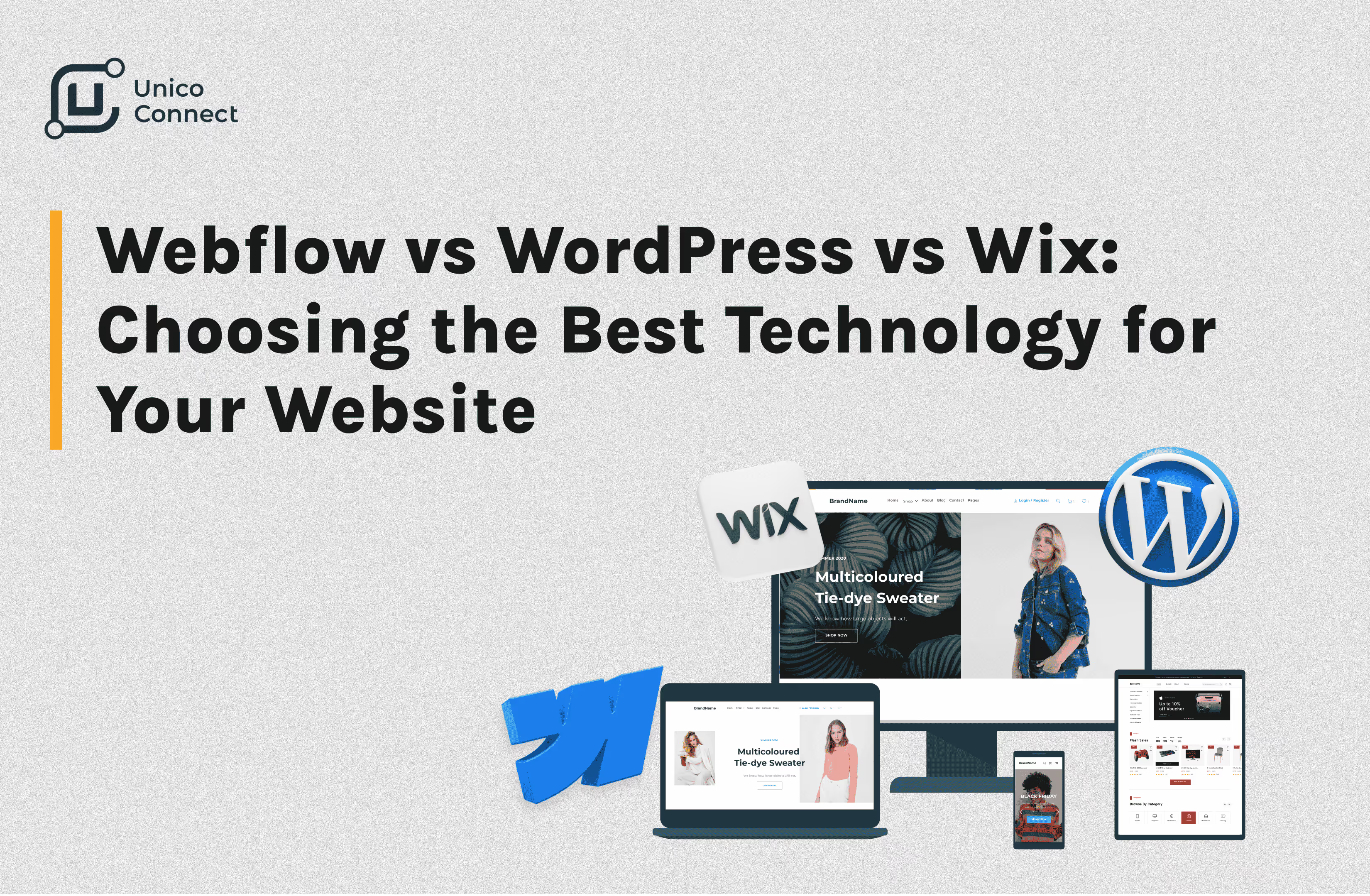
Both are mature platforms, but they have different strengths:
| Dimension | Webflow | WordPress |
|---|---|---|
| Code quality | Clean, optimised | Plugin-dependent, variable |
| Performance | Strong defaults | Plugin-heavy can drag |
| SEO | Built-in, full control | Strong with plugins (Yoast, RankMath) |
| Maintenance | Minimal | Continuous updates needed |
| Security | Strong defaults | Plugin attack surface |
| Plugin ecosystem | Smaller | Vast |
| Pricing | Subscription | Open-source + hosting |
| Best for | New marketing sites, brand sites | Existing sites, plugin-rich needs |
For most new builds in 2025, Webflow is the better default. WordPress remains the right choice when you need a specific plugin ecosystem or already have heavy WordPress investment.
Real-World Inspiration: Best Webflow Websites
The best Webflow sites combine design polish with conversion focus. Look at examples from creative agencies (typography-heavy, animation-rich, brand-first), SaaS companies (clean information hierarchy, strong CTAs, integrated demo flows), ecommerce brands (visual product showcases with seamless commerce), and award-winning portfolios (interactive storytelling that demonstrates capability).
Common patterns across high-performers: clear hero with strong CTA, focused information hierarchy, fast load times, strong mobile experience, and prominent social proof.
How Webflow Design Services Help Businesses Scale
Working with experienced Webflow specialists accelerates everything. Strategy aligns the site to business goals; UX design ensures the journey converts; visual design delivers brand polish; build executes pixel-perfectly; SEO and performance optimisation maximise organic reach; and ongoing iteration improves results over time.
Unico Connect's Webflow developer services cover this full lifecycle for startups and enterprises.
Step-by-Step Webflow Website Creation Process
Six steps produce strong Webflow sites:
- Strategy and wireframes — define audience, goals, conversion flow, and information hierarchy
- Design in Figma — visual design, component library, responsive layouts
- Build in Webflow — translate Figma to Webflow with clean classes, reusable components, and proper structure
- Add interactivity and CMS — animations, transitions, dynamic content, and content collections
- SEO and performance optimisation — meta tags, structured data, image optimisation, schema markup
- Launch and iterate — A/B test, monitor analytics, improve continuously based on real data
The strongest teams treat the site as a living product, not a one-time project.
Frequently Asked Questions
What is the difference between Webflow and WordPress for businesses?
Webflow is a managed platform with built-in CMS, hosting, and SEO — clean code, strong performance, minimal maintenance. WordPress is open-source software that requires hosting, plugins, and ongoing maintenance — broader plugin ecosystem but more operational overhead. For most new marketing sites, Webflow is the better default.
How does Webflow improve SEO and conversions?
Through clean semantic HTML, fast load times, full meta tag control, automatic SSL and CDN, mobile-optimised output, and easy integration with analytics and CRMs. The combination produces sites that rank well and convert reliably.
What are some examples of high-converting Webflow websites?
Webflow's Showcase page features award-winning examples — creative agencies, SaaS companies, ecommerce brands, portfolios. Common patterns: clear hero CTA, strong information hierarchy, fast load times, polished mobile experience, prominent social proof.
Can Webflow design services help startups grow?
Yes. Experienced Webflow teams ship production sites in weeks instead of months, build with clean structure that scales as the business grows, and integrate cleanly with marketing and analytics tools. The ROI shows up in faster launches, better conversion, and lower ongoing maintenance.
Is Figma to Webflow the fastest way to build?
For most teams, yes. Design in Figma with clean components and design tokens, then translate to Webflow with matching structure. The result is rapid development without sacrificing design quality.
Can Webflow handle ecommerce?
Yes — Webflow Ecommerce handles small-to-mid catalogue ecommerce well, with strong design control. For very large catalogues or complex commerce logic, Shopify or custom solutions may fit better. For most direct-to-consumer brands under 1,000 SKUs, Webflow works excellently.
What is the realistic cost of a professional Webflow site?
Rates run $25 to $50 an hour depending on seniority, and fixed scope projects have a $10,000 minimum. Cost depends on how many page templates, CMS collections, custom interactions and integrations the site needs. The paid Site plan that publishes and hosts your site, any extra Workspace seats and optional add ons such as Webflow Optimize are billed separately by Webflow. Compare with similar sites built on WordPress. Webflow typically costs the same upfront but less in ongoing maintenance.
Conclusion
Webflow has become the default platform for businesses that want high-converting websites without sacrificing design, performance, or maintenance simplicity. Combined with strong strategy, focused UX, and continuous iteration, it produces sites that convert reliably and scale with the business. To explore how Unico Connect builds Webflow websites that drive growth, see our Webflow developer services.