









How AI-Powered Tools Are Reshaping Software Development in 2025

Saurav Jagdale
Technical Lead, Unico Connect
In this article
- Quick Answer
- Key Takeaways
- Why AI Is Reshaping Software Development
- AI Across the Software Development Lifecycle
- Top AI Tools Every Developer Should Know in 2025
- Benefits of Using AI in Software Development
- Challenges & Risks of AI in Software Development
- Future Trends: Where AI in Software Development Is Heading
- When to Hire an AI Software Development Partner
- Frequently Asked Questions
- Final Thoughts: From Tools to Transformation
AI is no longer a future capability in software development — it is the operating layer for high-performing engineering teams in 2025. From requirements analysis through deployment and monitoring, AI tools now touch every phase of the software lifecycle. This guide walks through how AI is reshaping each phase, the leading tools in each category, the real benefits and risks, and where the field is heading next.
Quick Answer
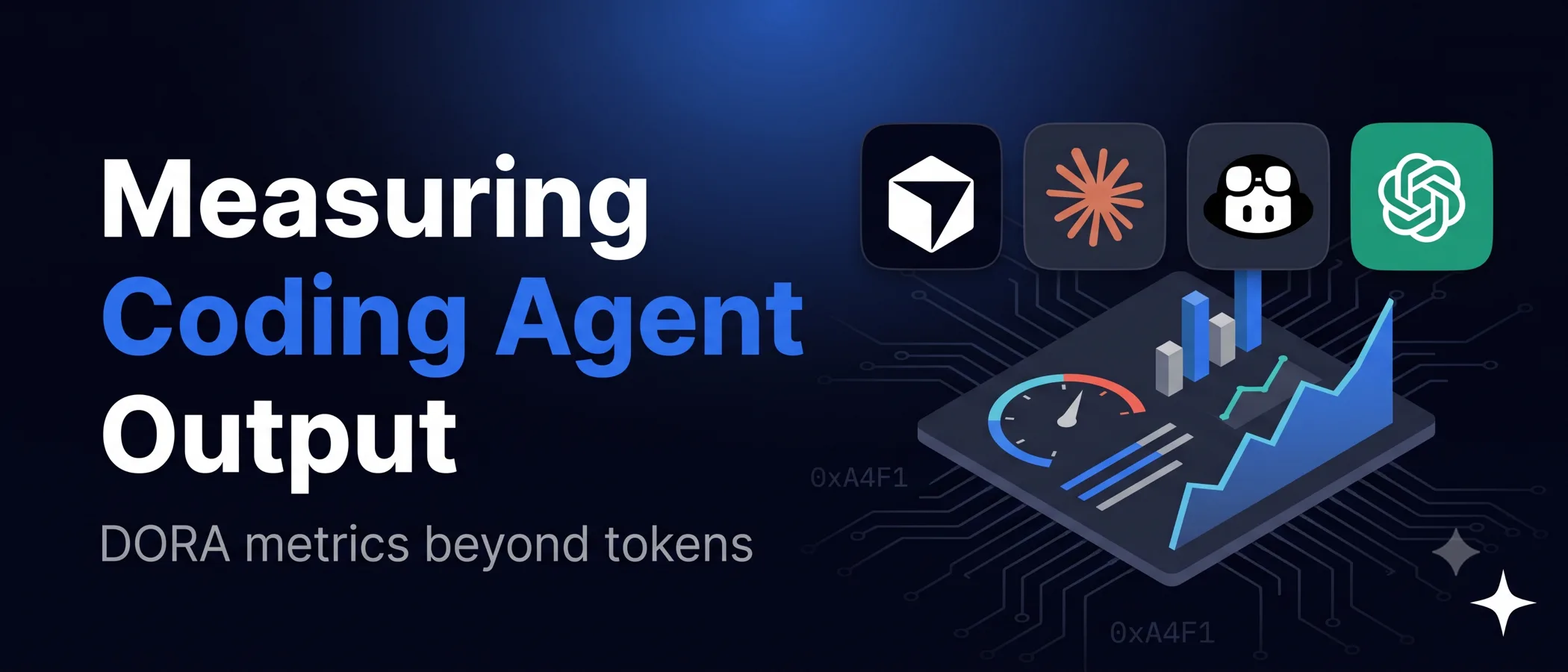
AI tools now span the full software development lifecycle: requirements analysis (NLP-based clarity checks), coding (GitHub Copilot, Cursor, Claude), debugging (Snyk DeepCode, Sourcery), testing (Testim, Functionize), and DevOps (Harness, AIOps platforms). The DORA 2025 State of AI assisted Software Development report, based on a survey of nearly 5,000 technology professionals run between 13 June and 21 July 2025, found that 90 percent use AI in their work and more than 80 percent believe it increased their productivity. It also found that while AI adoption now improves delivery throughput, it still increases delivery instability, so measure AI coding productivity on delivery outcomes, not impressions.
Key Takeaways
- AI now operates across every phase of the SDLC, not just coding
- DORA 2025 found that while AI adoption now improves delivery throughput, it still increases delivery instability, so measure quality alongside speed
- Risks remain: over-reliance, security of proprietary code, and need for human judgment on consequential decisions
- The next phase is autonomous AI agents handling end-to-end engineering work with light supervision
- The right adoption path combines tooling, training, and governance — not just deploying tools
Why AI Is Reshaping Software Development
The traditional software development lifecycle was characterised by long manual phases — coding, testing, debugging — with engineers absorbing the cognitive load at every step. Modern AI tools systematically attack the highest-leverage parts of that workflow.
Three forces drive adoption. Teams face shorter project timelines and more complex codebases than ever. Debugging and code review increasingly require multi-file context that AI handles well. And the bar for code quality, security, and observability keeps rising. AI fits naturally into each of these pressures.
AI Across the Software Development Lifecycle
The most useful way to think about AI tools is by SDLC phase:
AI in Requirement Analysis & Planning
NLP-based tools scan requirements documents for ambiguity, flag inconsistencies between user stories, and surface assumptions that would otherwise emerge as expensive surprises during build. Catching unclear requirements early is one of the highest-ROI uses of AI in software work. Unico Connect's AI development services help teams integrate this kind of intelligence into product discovery.
AI in Coding & Code Generation
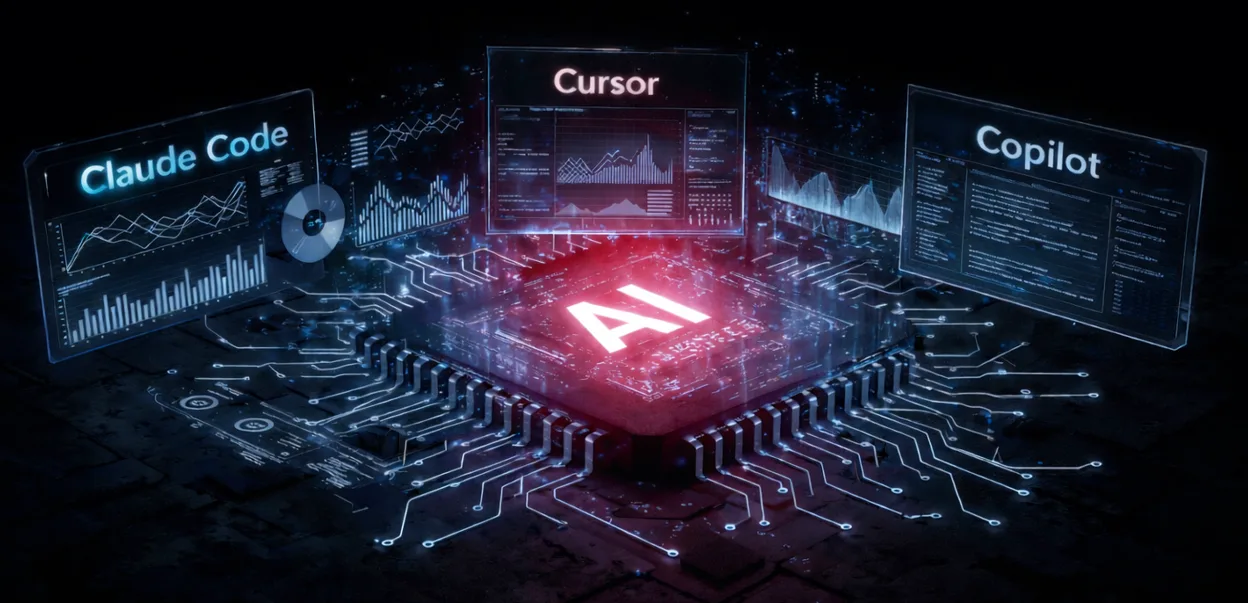
This is where AI tools have moved fastest. GitHub Copilot, Cursor, and Claude (via Claude Code) generate context-aware code suggestions, complete multi-line constructs, and turn plain-English descriptions into working code. Modern AI coding tools understand the wider project context, not just the open file.
AI in Debugging & Code Review
Snyk DeepCode, Amazon CodeWhisperer, and Sourcery scan code in real time, flag security vulnerabilities, surface performance bottlenecks, and suggest concrete fixes. AI-driven code review catches issues that traditional linters miss — particularly around security, maintainability, and architectural drift.
AI in Testing & QA
Manual testing slows velocity dramatically. Testim and Functionize use machine learning to generate, execute, and maintain tests automatically. The AI adapts when UIs change, keeping test scripts resilient and reducing the flakiness that plagues traditional automation.
AI in Deployment & DevOps
AIOps platforms and tools like Harness apply machine learning to deployment, monitoring, and incident response. Canary deployments, automated rollbacks, anomaly detection, and root-cause analysis all become significantly more capable with AI in the loop.
Top AI Tools Every Developer Should Know in 2025
The leading tools by category:
- Code generation and completion — GitHub Copilot, Cursor, Claude Code, Tabnine, Replit Ghostwriter
- Debugging and code review — Snyk DeepCode, Sourcery, Amazon CodeWhisperer, DeepSource
- Testing automation — Testim, Functionize, Mabl, Applitools for visual testing
- DevOps and AIOps — Harness, Dynatrace, Datadog Watchdog, PagerDuty AIOps
Choice depends on your stack, scale, and security requirements — but most enterprise teams in 2025 combine at least one tool from each category for full SDLC coverage.
Benefits of Using AI in Software Development
Five outcomes show up consistently in teams that adopt AI tools well:
- Faster development cycles. AI takes on boilerplate, scaffolding and routine changes, so standard work moves faster
- Higher code quality — AI-assisted reviews catch issues earlier, reducing defect rates and rework
- Fewer production incidents — predictive monitoring and automated incident response shorten mean-time-to-resolve
- Better developer experience — engineers spend more time on creative problem-solving and less on boilerplate
- Stronger security posture — continuous AI-driven security analysis catches vulnerabilities before they reach production
The cumulative effect is faster shipping, more confident releases, and engineers who are more engaged in their work.
Challenges & Risks of AI in Software Development
Honest acknowledgement of the risks matters as much as the benefits:
- Over-reliance — engineers who lean too heavily on AI suggestions can lose the deeper judgment needed for complex problems
- Security and privacy — AI tools trained on public data can leak proprietary information or generate insecure patterns; enterprise deployments need VPC isolation and strict data controls
- Need for human oversight — AI is excellent at the routine 80%; the consequential 20% still requires senior engineering judgment
- Cost — meaningful AI tooling has real licence cost; the business case must be clear before committing to broad rollout
Most of these are manageable with the right tooling, training, and governance.
Future Trends: Where AI in Software Development Is Heading
Three trends will reshape the field through 2026:
- Autonomous AI agents — systems that take a high-level goal and execute it end-to-end across the SDLC, with light human supervision
- Deeper no-code / low-code integration — generative AI inside no-code platforms means non-engineers can ship genuinely complex applications
- Hyper-automation in DevOps — fully integrated AI across pipelines, monitoring, and incident response — moving toward self-healing systems
The teams that move first on these trends will widen their lead significantly over the next 24 months.
When to Hire an AI Software Development Partner
Three situations consistently warrant bringing in an AI development partner:
- Internal teams lack the depth to evaluate, integrate, and govern AI tools across the SDLC
- You need custom AI capabilities — models trained on your codebase, bespoke integrations, or specialised automation
- You want to deploy AI at enterprise scale without building a full-time AI engineering function in-house
Unico Connect helps enterprises build AI-driven engineering workflows that compound over time.
Frequently Asked Questions
What are the best AI tools for software development in 2025?
GitHub Copilot, Cursor, and Claude Code lead for coding assistance; Snyk DeepCode and Sourcery for review; Testim and Functionize for testing; Harness and Dynatrace for DevOps and AIOps. Choice depends on stack, scale, and security needs.
Can AI completely replace developers?
No. AI delivers measurable productivity gains across the SDLC, but quality, architecture, security, and ethical judgment still rely on human oversight. The realistic frame is human-led engineering with AI assistance, not human-replaced-by-AI.
How do AI tools speed up work across the SDLC?
By generating boilerplate, suggesting in context code completions, automating testing, catching bugs and security issues earlier, and compressing feedback loops across the SDLC. How much time this saves varies by team, so measure delivery throughput and stability before and after rollout.
Which AI tools help with quality assurance?
Snyk DeepCode for security-first code analysis; Sourcery for code-quality and refactoring suggestions; Testim and Functionize for self-healing test automation; Applitools for AI-powered visual testing. Combining several is standard practice in mature engineering teams.
Are AI coding tools safe for proprietary enterprise code?
Yes, with the right deployment. Enterprise-grade AI coding tools offer VPC isolation, on-premise options, contractual guarantees that code is not used for training, and audit logging. Regulated enterprises now run AI tools in production with these controls.
What is the ROI of adopting AI tools across the SDLC?
Returns come from faster delivery, but only when quality holds. The DORA 2025 report found that while AI adoption now improves delivery throughput, it still increases delivery instability, so set a baseline before rollout and track throughput and stability together. DORA also publishes an ROI of AI assisted Software Development report and calculator for modeling your own return, including the initial productivity dip of a new rollout. Start with a scoped pilot and scale what your own numbers support.
Final Thoughts: From Tools to Transformation
The shift to AI-powered software development is not "will it happen" — it's "how fast can your team adapt". The strongest engineering organisations treat AI tools as agents of change in how they work, not just point solutions for specific tasks. Start with a focused pilot, measure outcomes, and scale based on what works. To explore how Unico Connect builds AI-driven engineering workflows for enterprises, see our AI development services.