










How AI Code Editors Are Transforming the Software Development Workflow

Saurav Jagdale
Technical Lead, Unico Connect
In this article
- Quick Answer
- Key Takeaways
- What Is an AI Code Editor and Why Does It Matter
- Key Features of AI-Powered Code Editors
- Benefits of AI Code Editors for Developers & Businesses
- Top AI Coding Tools Developers Are Using in 2025
- Challenges & Limitations of AI Code Editors
- Future of Software Development with AI Code Editors
- Frequently Asked Questions
- Conclusion
AI code editors have moved from novelty to default in 2025. They aren't simple autocomplete — they read context, propose multi-file changes, run tests, and increasingly act as junior collaborators in real engineering workflows. This guide compares the leading AI code editors, breaks down their strengths and limits, and explains what enterprise teams should adopt now.
Quick Answer
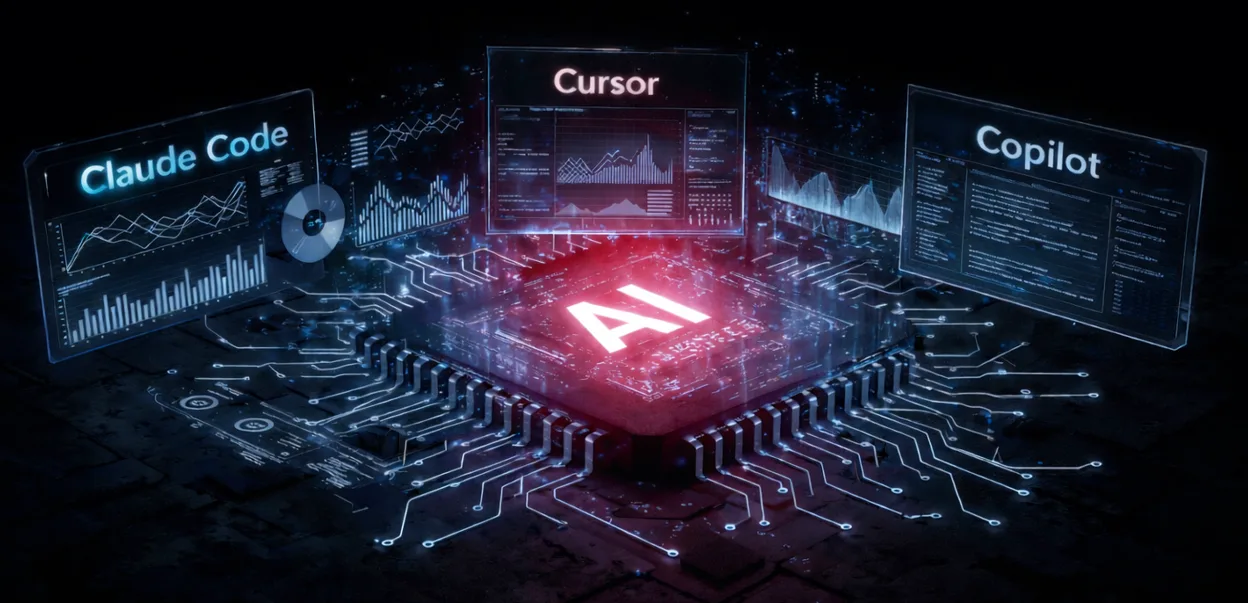
AI code editors are development environments that combine traditional editing with large language model intelligence — context-aware completion, multi-file refactoring, real-time debugging, and natural-language code generation. The leading options are Cursor (best context awareness), GitHub Copilot (best enterprise integration), Claude Code (best for large codebases), and Devin Desktop, formerly Windsurf (best for running several agents at once). Speed gains vary by task and team, so measure AI coding productivity on your own delivery data.
Key Takeaways
- AI code editors differ from regular editors in that they understand project context, not just syntax
- The four core capabilities are intelligent completion, code generation, AI debugging, and team collaboration
- Productivity gains vary by task and team, so judge an editor on your own delivery data rather than vendor claims
- The 2025 leaders are Cursor, GitHub Copilot, Claude Code, and Devin Desktop (formerly Windsurf), each with a different sweet spot
- Real risks remain: overreliance, security of proprietary code, output accuracy, and limits on architectural reasoning
What Is an AI Code Editor and Why Does It Matter
An AI code editor is a development environment that lets you write, edit, debug, and generate code with a large language model embedded in the workflow. An AI code assistant offers context-aware suggestions; an AI code generator produces complete functions or modules from a natural-language prompt. This is a meaningful step beyond traditional editors, which rely on rule-based autocomplete.
AI code editors matter because they shorten the gap between intent and working code. Developers spend less time on boilerplate and repetitive patterns, catch errors earlier, and can focus on the parts of the work that genuinely require judgment — architecture, tradeoffs, and edge-case behaviour.
Key Features of AI-Powered Code Editors
Four capabilities define every production AI code editor in 2025:
- AI Code Assistant — adapts to the codebase's style and provides context-aware completions, not just syntax-based suggestions
- AI Code Generator — produces functions, components, and reusable snippets from natural-language prompts, with awareness of project conventions
- AI Code Debugger — surfaces bugs in real time, explains the failure mode, and proposes targeted fixes rather than generic suggestions
- AI Coding Platform — integrates with cloud services, supports multiple languages, and provides shared workflows for teams
| Capability | Traditional Editor | AI-Powered Editor |
|---|---|---|
| Autocomplete | Syntax-based | Context-aware across files |
| Code generation | Manual | Functions, components, full modules |
| Debugging | Manual error checking | Real-time root-cause analysis |
| Collaboration | Limited | Cloud-based, team-oriented |
Benefits of AI Code Editors for Developers & Businesses
For developers, AI code editors compress feedback loops. They auto-complete from project context, suggest the next step in a multi-file refactor, and shorten the time spent reading documentation. For businesses, the gains compound:
- Productivity — automation of repetitive coding work speeds up delivery on standard features
- Quality — AI debugging catches issues earlier, before they reach production review
- Time to market — shorter development cycles mean enterprises ship features and updates faster
- Collaboration — integrated AI workflows reduce friction across distributed teams
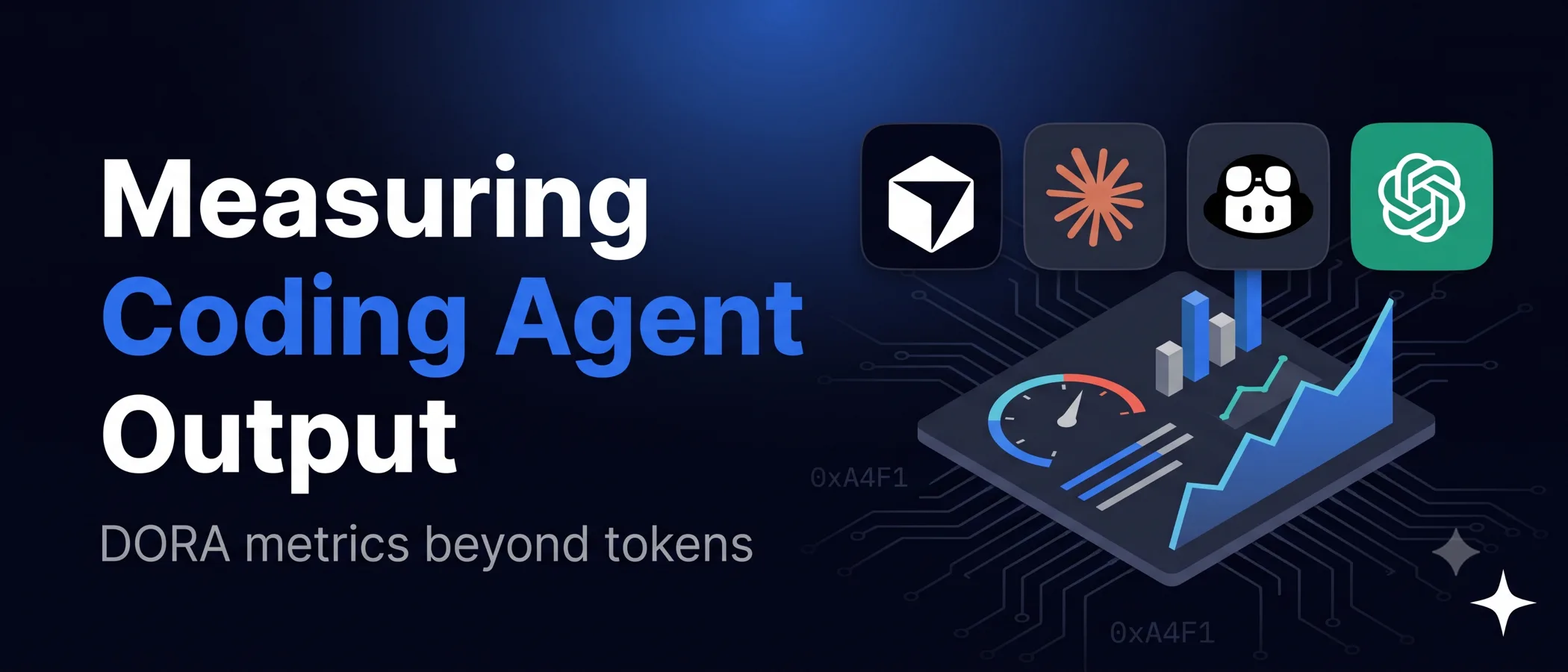
Measured gains are smaller than many teams expect. In a randomized controlled trial by METR, using data from February to June 2025, 16 experienced open source developers took 19 percent longer to finish tasks when AI tools were allowed, yet afterwards still believed AI had sped them up by 20 percent. METR said in February 2026 that newer tools likely help more, but that self reported speedups can be quite unreliable. Unico Connect's AI development services help enterprises integrate these tools into existing engineering pipelines and adoption frameworks.
Top AI Coding Tools Developers Are Using in 2025
Four tools dominate enterprise adoption in 2025:
- GitHub Copilot — best for enterprises already on GitHub. Strong organisational controls, real-time suggestions, and tight CI/CD integration. Starts around $10/month for individuals; enterprise pricing varies
- Cursor. Best for context aware code recommendations. Excels at understanding entire project structure to make accurate suggestions, particularly on full stack work
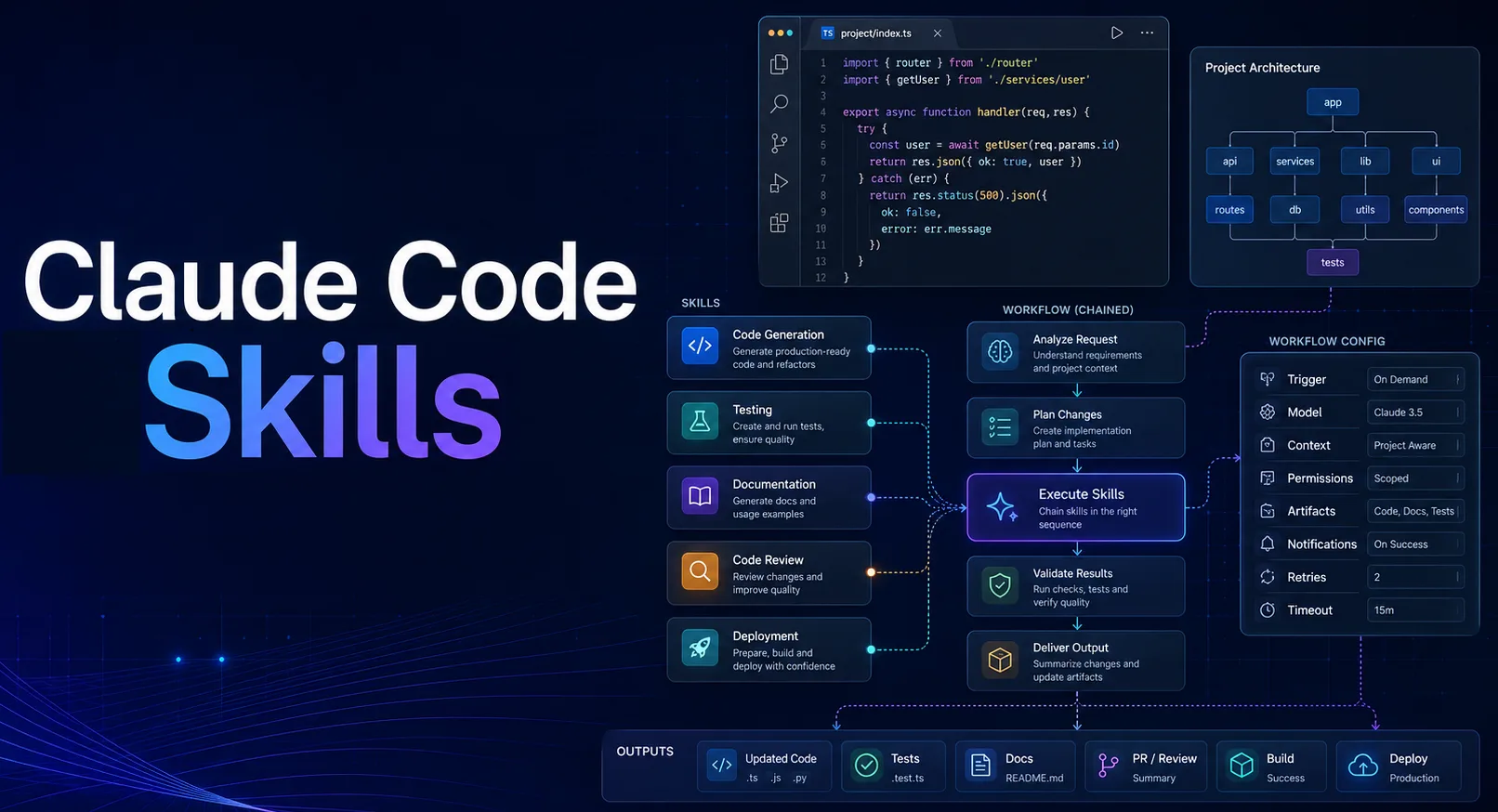
- Claude Code. Best for working with large, complex codebases. It reads and searches the whole repository as it works and edits many files in one task, which makes it strong for refactoring, architectural questions, and detailed documentation. Included with Claude Pro at $20 a month, or $17 a month billed annually, and not with the Free plan
- Devin Desktop (formerly Windsurf). Best for running several coding agents from one place. Cognition renamed Windsurf on June 2, 2026 and made its agent command center the main view, with the full IDE still available. Pro is $20 a month
Choice depends less on raw model quality and more on workflow fit — codebase size, security requirements, team distribution, and existing toolchain.
Challenges & Limitations of AI Code Editors
The benefits are real, but the limitations are equally real:
- Overreliance — developers who lean too heavily on AI completion can lose the deeper problem-solving skills that handle novel work
- Data security — an AI code assistant that touches proprietary code raises privacy and IP concerns; enterprise contracts and on-premise or VPC deployments are now standard requirements
- Accuracy — AI-generated code can contain subtle bugs or outdated patterns and must be reviewed by a human
- Architectural limits — current models still struggle with high-level architecture, cross-system tradeoffs, and decisions that require organisational context
The right way to use AI code editors is to treat them as a strong junior collaborator — fast, productive, but in need of review on consequential decisions.
Future of Software Development with AI Code Editors
Three trends are reshaping the category in 2025:
- Tighter pipeline integration — AI editors are moving deeper into DevOps, CI/CD, and code review, not just the IDE
- Agentic workflows — the editor is evolving from a passive helper to an active agent that plans, executes, and reports on multi-step engineering tasks
- Enterprise adoption — large organisations are running AI code editors with VPC isolation, audit logging, and policy controls to meet compliance requirements
Unico Connect builds AI-driven development workflows for enterprise clients, including platform selection, integration, and team enablement.
Frequently Asked Questions
What is an AI-powered code editor?
An AI-powered code editor combines traditional code editing with embedded large-language-model intelligence — context-aware completion, code generation, real-time debugging, and natural-language refactoring across files.
Can AI coding tools replace developers?
No. AI coding tools amplify developer productivity but cannot replicate the architectural judgment, organisational context, and critical thinking required for complex engineering work. The realistic model is human-led with AI assistance.
Which AI code editor is best for developers in 2025?
The leading options are Cursor (best overall context awareness), GitHub Copilot (best enterprise integration), Claude Code (best for large codebases and long context reasoning), and Devin Desktop, formerly Windsurf (best for running several coding agents from one place). The right choice depends on codebase size, security needs, and team workflow.
How does an AI code debugger work?
An AI code debugger analyses code in context, identifies the likely root cause of an error, and proposes targeted fixes with explanations rather than generic suggestions. Modern debuggers can run failing tests, inspect output, and iterate on a fix automatically.
Are AI code editors safe for proprietary enterprise code?
Yes, with the right deployment. Enterprise-grade AI code editors offer VPC isolation, on-premise options, code-not-used-for-training contracts, and audit logging. Most regulated enterprises now deploy AI code editors with these controls in place.
Conclusion
AI code editors have moved from optional to default in enterprise engineering. The realistic frame is not "AI replaces developers" but "AI compresses the gap between intent and working code, freeing developers for the judgment work that matters". Choosing the right tool — and integrating it properly into existing pipelines — is what separates productivity gains from disappointment. To explore how Unico Connect builds AI-driven engineering workflows for enterprises, see our custom software development and AI development services.