








No-Code vs Custom Mobile App Development, Which Should You Choose?

Zubin Gala
Principal Mobile App Engineer, Unico Connect
In this article
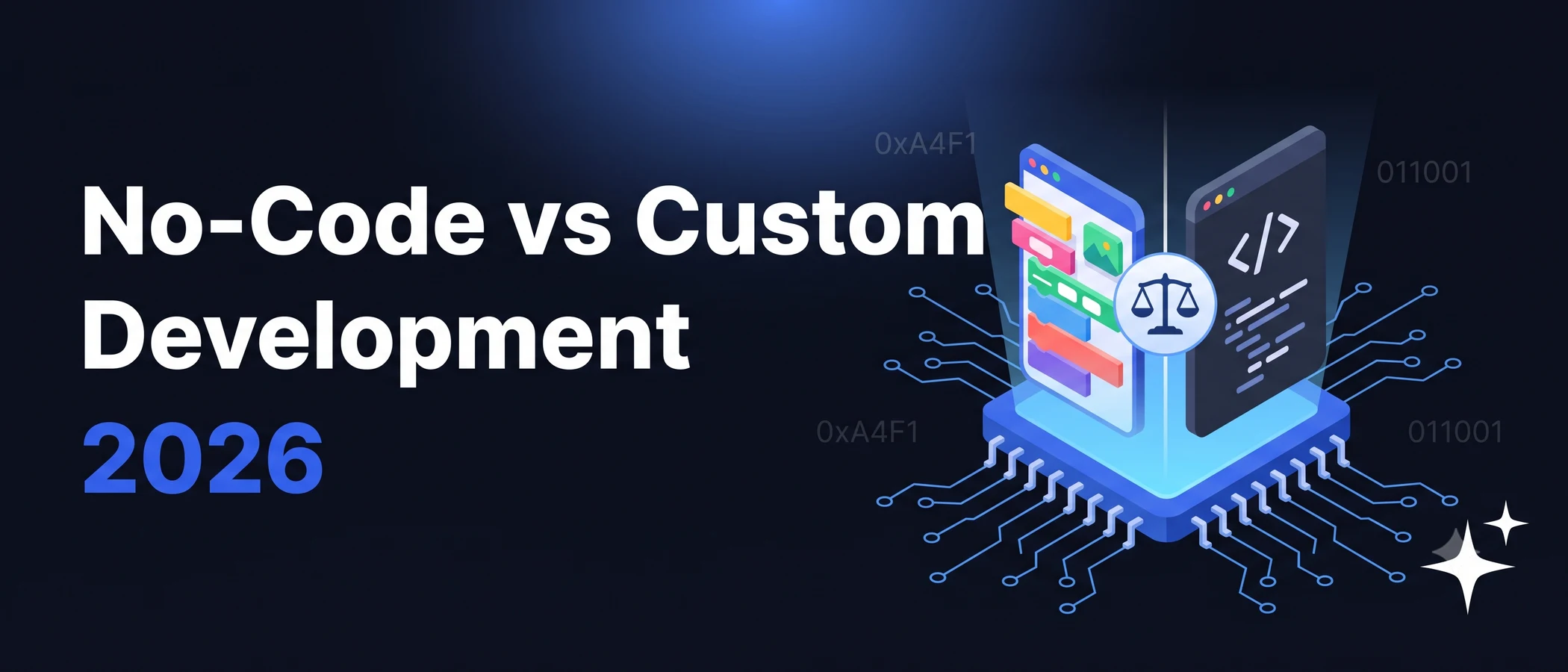
Choosing between no-code platforms and custom development is one of the earliest — and most consequential — decisions for any mobile app team. No-code platforms ship fast and cheap; custom development unlocks full control and long-term scalability. Most teams discover they need the right tool for the right job, not a single answer for every product. This guide walks through the trade-offs honestly so you can choose with confidence.
Quick Answer
No-code mobile app development is best for MVPs, internal tools, and simple consumer apps where speed and cost matter more than customisation. Custom development is best for products with complex logic, performance-critical UX, proprietary features, or long-term ambitions where you need full ownership and flexibility. Most successful product teams use no-code to validate, then move to custom when the product is ready to scale.
Key Takeaways
- No-code wins on speed, cost, and accessibility for non-technical founders
- Custom wins on flexibility, performance, IP ownership, and long-term scalability
- The break-point is usually around product–market fit — validate with no-code, scale with custom
- No-code platforms have real limits: customisation, performance, and platform lock-in
- The strongest teams often use both — no-code for internal tools, custom for the core product
What Is No-Code Mobile App Development?
No-code platforms let teams build functional mobile apps through drag-and-drop interfaces, pre-built components, and visual logic. There's no traditional programming involved — non-technical founders, product managers, and designers can ship working apps in days or weeks instead of months.
Popular platforms include Bubble, Adalo, Glide, FlutterFlow, and Thunkable. Each strikes a different balance between ease of use and flexibility. The shared promise: meaningful applications without an engineering team.
Pros of No-Code Development
- Fast time-to-market — ship a working app in days or weeks, not months
- Lower upfront cost — no engineering team to hire, smaller initial spend
- Accessible to non-engineers — founders, PMs, and designers can build directly
- Built-in scalability primitives — hosting, authentication, and updates handled by the platform
- Easy iteration — change the app visually, deploy instantly
Cons of No-Code Development
- Limited customisation — you're constrained to what the platform supports
- Performance ceilings — heavy logic, complex animations, and rich UX often hit limits
- Platform lock-in — your app lives inside the platform; migration is non-trivial
- Recurring platform costs — monthly fees scale with users, often exceeding custom hosting at scale
- Limited integration depth — third-party integrations are constrained to what the platform exposes
What Is Custom Mobile App Development?
Custom development means a team of engineers, designers, and product specialists building a native or cross-platform app from scratch. Every layer — UI, business logic, backend, integrations — is built specifically for your product. You own the code, the IP, and every architectural decision.
This is the traditional path for any serious mobile product. It's slower and more expensive upfront, but unlocks the depth and control that mature products eventually need.
Pros of Custom Development
- Complete control — every feature, interaction, and integration is built to specification
- High performance — native iOS and Android (or Flutter/React Native) produce smooth, responsive apps
- IP ownership — you own the code, the design, and every decision in the stack
- Long-term scalability — well-built custom apps scale to millions of users without re-platforming
- Deep integration capabilities — connect to any system, any API, any data source
Cons of Custom Development
- Higher upfront cost — engineering teams cost more than no-code subscriptions
- Longer time-to-market — typically 2 to 3 months for a meaningful first version
- Engineering dependency — every change requires engineering capacity
- Ongoing maintenance — production apps need continued investment in updates and platform compliance
Unico Connect's mobile app development services cover the full custom development lifecycle for startups and enterprises.
No-Code vs Custom Development: How to Decide
The decision usually comes down to four factors:
- Complexity — simple logic and standard UX work well in no-code; complex flows or rich UX need custom
- Performance — no-code is fine for most consumer and internal apps; performance-critical apps (gaming, AR, video) need custom
- Budget and timeline — no-code is faster and cheaper short-term; custom is more expensive upfront but cheaper at scale
- Long-term ambition — quick validation favours no-code; building a category-defining product favours custom
A common pattern: validate the idea with a no-code prototype, then move to custom development once the product–market fit signals are clear.
When No-Code Is the Right Choice
No-code makes sense when:
- You're building an MVP to validate an idea quickly
- You need an internal tool or admin dashboard for a small team
- Budget and timeline are tight, and "good enough" beats "perfect"
- The app's logic and UX fit comfortably within platform capabilities
- You don't have an engineering team yet, and you don't want one immediately
The fastest-moving founders use no-code aggressively at the validation stage — getting to user feedback in days instead of months.
When Custom Development Is the Right Choice
Custom development makes sense when:
- The app is your core product and needs to scale to millions of users
- Performance, animations, or device features are central to the experience
- You need deep integrations with internal systems or third-party APIs
- IP ownership matters (especially for funding rounds and acquisition conversations)
- You're confident in product–market fit and ready to invest in long-term quality
Most venture-backed startups eventually move from no-code to custom — the question is when, not whether.
Frequently Asked Questions
Is no-code app development really cheaper than custom development?
Yes — short-term. No-code platforms cost $30–$500/month plus your team's time. A custom build costs more up front. MVPs start at $15,000, inside our published estimate range of $15,000 to $50,000, and take 2 to 3 months on web or mobile. At scale, however, no-code platform fees can exceed custom hosting costs, and the migration cost back to custom is real. Cheaper today, often more expensive over a 3–5 year horizon.
Can you scale a no-code app to millions of users?
Some platforms can handle hundreds of thousands of users; very few handle millions cleanly. Performance, customisation, and operational control all hit ceilings at scale. Most apps that grow beyond a million active users have moved to custom development by that point.
Can you migrate a no-code app to custom development later?
Yes, but it's effectively a rebuild. The data can be migrated; the business logic and UX need to be re-implemented in code. Plan for the migration as a full custom project — not a partial port.
Which is better for startups — no-code or custom?
For most pre-PMF startups, no-code is the better choice — speed of validation beats long-term scalability when you're still figuring out what to build. For post-PMF startups with clear traction, custom development typically delivers better long-term economics and product quality.
Are no-code apps secure enough for enterprise use?
It depends on the platform and the use case. Strong no-code platforms (Bubble, Glide, FlutterFlow) have meaningful security primitives, but enterprises with strict compliance requirements (HIPAA, SOC 2, PCI DSS) typically need custom development for full control over security architecture.
Can no-code platforms produce native iOS and Android apps?
Some do (FlutterFlow generates Flutter code; others wrap web apps in native shells). The experience quality varies — most no-code apps feel like web apps in a wrapper, not true native experiences. For products where native feel matters, custom is still the standard.
Conclusion
No-code and custom mobile app development serve different needs at different stages. No-code wins on speed and cost for early validation; custom wins on flexibility and long-term scalability for mature products. The strongest teams use both — no-code for internal tools and MVPs, custom for core products that need to scale. To explore how Unico Connect builds custom mobile apps for startups and enterprises, see our mobile app development services.